
Keyboard Shortcuts for Undo and Redo: Every Redo Hotkey
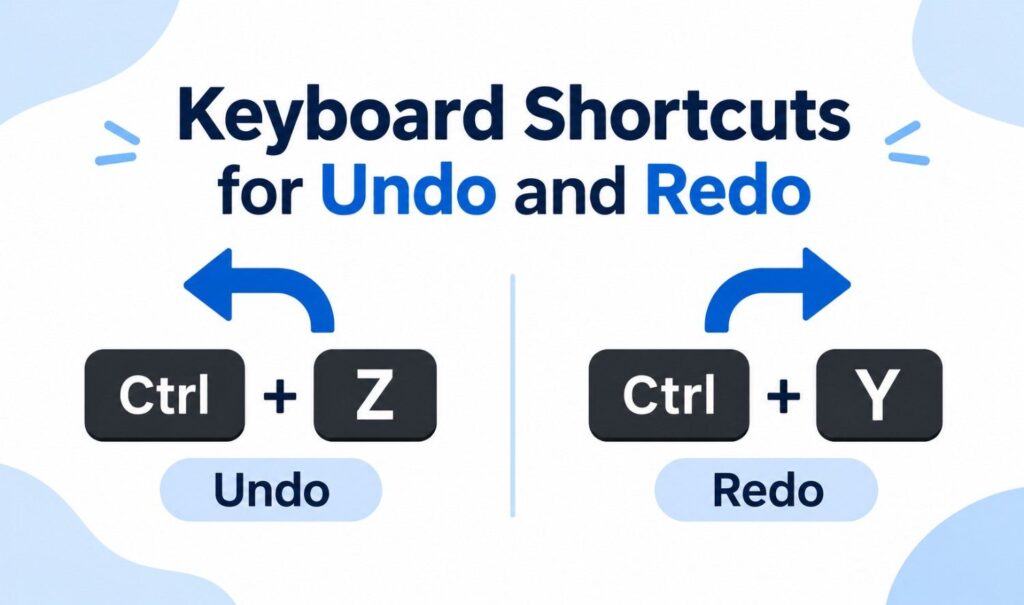
The standard keyboard shortcuts for undo and redo are Ctrl+Z to undo and Ctrl+Y to redo on Windows. On a Mac, use Command+Z to undo and Shift+Command+Z to redo. On a Chromebook, redo is Ctrl+Shift+Z. A few apps, like Microsoft Office for Mac and Photoshop, use their own redo hotkey. We’ve all been there. You delete a paragraph by accident, hit undo, then realize you actually wanted that change. That’s what redo is for. This guide gives you every undo redo shortcut by device and app, explains why Ctrl+Y sometimes does something else and shows you how to fix redo when it stops working. Every shortcut below comes from the official Microsoft, Apple, Google, Adobe and other vendor documentation. Undo and Redo Shortcuts: Quick Reference Table Here are the undo and redo shortcuts for every major platform in one table. Windows uses Ctrl+Y for redo, while Mac, Chromebook and many web apps use a Shift+Z combination. If you only remember one rule, remember this: undo is always Z, and redo adds either Y or Shift. Platform or App Undo Redo Windows Ctrl+Z Ctrl+Y Mac Command+Z Shift+Command+Z Chromebook Ctrl+Z Ctrl+Shift+Z Microsoft Word, Excel (Windows) Ctrl+Z Ctrl+Y Microsoft Office for Mac Command+Z Command+Y Google Docs (PC and Chromebook) Ctrl+Z Ctrl+Shift+Z Google Docs (Mac) Command+Z Shift+Command+Z Adobe Photoshop (Windows) Ctrl+Z Shift+Ctrl+Z Adobe Photoshop (Mac) Command+Z Shift+Command+Z VS Code (Windows, Linux) Ctrl+Z Ctrl+Y VS Code (Mac) Command+Z Shift+Command+Z JetBrains IDEs (Windows) Ctrl+Z Ctrl+Shift+Z Vim u Ctrl+R What Is the Redo Hotkey? The redo hotkey reverses an undo. If Ctrl+Z is undo, the opposite of Ctrl+Z is Ctrl+Y on Windows. Microsoft describes Ctrl+Y as a way to “redo an action that was previously undone with Ctrl+Z.” On a Mac, the redo hotkey is Shift+Command+Z. Redo only works right after an undo. Think of undo and redo as moving backward and forward through a list of your recent actions. Undo steps back one action. Redo steps forward again. If you make a brand new change after undoing, the redo history is usually cleared, so you can’t go forward anymore. There are two common redo shortcuts: Some apps support both, and others support only one. That’s why the redo key you’re used to might not work everywhere. International keyboards: On German keyboards, the Ctrl key is labeled Strg. So Strg+Z is undo and Strg+Y is redo. Microsoft’s German support pages list the same shortcuts with the Strg label. Undo Shortcut Key on Windows, Mac and Chromebook The undo shortcut key is Ctrl+Z on Windows and Chromebook, and Command+Z on a Mac. It works in nearly every app, from text editors to browsers to design tools. Press it once to undo your last action, or press it repeatedly to keep stepping back through your recent changes, as far as the app’s history allows. If you’re on a laptop and don’t want to use the keyboard, look for Undo in the app’s Edit menu, or the curved arrow pointing left in the toolbar. Redo Shortcut by Operating System The redo shortcut depends on your operating system. Windows uses Ctrl+Y, Mac uses Shift+Command+Z and Chromebook uses Ctrl+Shift+Z. Linux apps vary, but most accept Ctrl+Y or Ctrl+Shift+Z. If one doesn’t work, try the other, or check the app’s Edit menu, which always shows the correct redo keys. Redo Shortcut on Windows On Windows, press Ctrl+Y to redo. This Ctrl redo combination works across File Explorer, Notepad, Microsoft Office and most Windows apps. According to Microsoft’s Windows keyboard shortcuts page, Ctrl+Y redoes “typing that was undone with Ctrl+Z” in text and redoes actions on the desktop. Redo Shortcut on Mac On a Mac, press Shift+Command+Z to redo. Apple’s Mac keyboard shortcuts page says that after you undo with Command+Z, “you can then press Shift-Command-Z to Redo, reversing the undo command.” A lot of Mac users search for the “command redo” key and expect Command+Y. That only works in Microsoft Office for Mac (more on that below). In most other Mac apps, including Apple’s own, the redo command on Mac is Shift+Command+Z, the system shortcut Apple lists. Redo Shortcut on Chromebook On a Chromebook, press Ctrl+Shift+Z to redo. Google’s Chromebook help lists it as “Redo your last action.” To see every Chromebook shortcut, press Ctrl+Search+S. Redo Shortcut on Linux On Linux, the redo key depends on the app. Many apps use Ctrl+Shift+Z, and others accept Ctrl+Y. When in doubt, open the Edit menu, where the redo shortcut is shown next to the command. Redo and Undo Shortcuts in Popular Apps Most apps follow the operating system’s undo and redo shortcuts, but some important ones don’t. Microsoft Office uses Ctrl+Y on Windows and Command+Y on Mac. Google Docs uses Ctrl+Shift+Z. Photoshop uses Shift+Ctrl+Z, and JetBrains IDEs use Ctrl+Y to delete a line instead of redoing. Microsoft Word, Excel and PowerPoint So if you’re looking for the redo shortcut in Word or Excel on a Mac, it’s Command+Y, not Shift+Command+Z. Google Docs and Sheets In Google Docs, press Ctrl+Shift+Z on Windows or Chromebook, and Command+Shift+Z on a Mac. Undo is Ctrl+Z or Command+Z. You can also use the curved arrow buttons in the toolbar. Adobe Photoshop Photoshop uses Shift+Ctrl+Z (Windows) or Shift+Command+Z (Mac) to redo, and Ctrl+Z or Command+Z to undo. If you prefer the older Photoshop undo behavior, Adobe lets you turn on “Use Legacy Undo Shortcuts” under Edit > Keyboard Shortcuts and Menus, then restart the app. VS Code and Other Code Editors In VS Code, redo is Ctrl+Y on Windows and Linux, and Shift+Command+Z on a Mac, according to Microsoft’s default keybindings reference. JetBrains IDEs like IntelliJ IDEA are different. On Windows, redo is Ctrl+Shift+Z, and Ctrl+Y deletes the current line. That surprises plenty of developers switching from other editors. If you’re choosing an editor, our guide to the best coding software compares VS Code, JetBrains IDEs and other options. Vim Vim uses its own keys. Press u to undo and Ctrl+R to redo. Vim’s help describes Ctrl+R as “Redo [count] changes which were undone,” so you can type a number
Reinforcement Learning: How It Works, Types and Examples
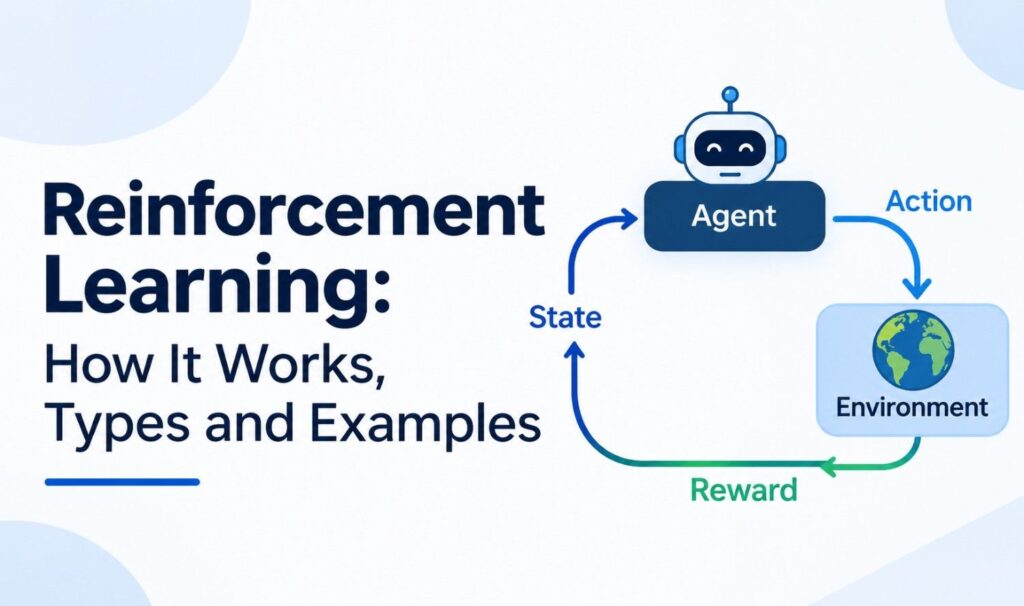
Reinforcement learning (RL) is a type of machine learning where an agent learns to make decisions by trying actions and getting rewards or penalties. Over many attempts, it figures out which actions lead to the best long-term results, without being told the right answer upfront. Think about how you learned to ride a bike. Nobody handed you a manual with the perfect angle for every turn. You wobbled, fell, adjusted and slowly got better. Reinforcement learning works the same way, except the learner is software. In this guide, you’ll learn the key concepts, how the learning loop works, the main types and algorithms, and where RL shows up in the real world. What Is Reinforcement Learning? Reinforcement learning is a branch of machine learning in which an agent learns by interacting with an environment. It takes an action, sees what happens and receives a reward signal. Its goal is to maximize total reward over time. IBM describes it as a process “in which autonomous agents learn to make decisions.” What makes RL different is that nobody tells the agent which action is correct. It has to discover good behavior on its own. Two ideas sit at the heart of this: Researchers usually describe RL problems using a Markov decision process (MDP). An MDP is a formal way to describe states, actions, rewards and how one state leads to the next. The standard textbook on the subject is Reinforcement Learning: An Introduction by Richard S. Sutton and Andrew G. Barto, which the authors offer free online. You’ll sometimes see people search for “reinforced learning” or “reinforce learning.” They mean the same thing. The correct term is reinforcement learning, and in AI it’s often shortened to RL. Key Concepts in Reinforcement Learning Reinforcement learning is built on a handful of core concepts: the agent, the environment, states, actions, rewards, the policy and the value function. Once you understand how these pieces fit together, every RL algorithm makes more sense, because they all try to answer the same question: what should the agent do next? Agent and Environment The agent is the learner and decision-maker, such as a game-playing program or a robot. The environment is everything the agent interacts with, like the game board or the room the robot moves through. State, Action and Reward Policy The policy is the agent’s strategy. It maps each state to an action, answering “In this situation, what do I do?” Training an RL agent is mostly about improving its policy. Value Function The value function estimates how much total reward the agent can expect from a state, or from taking an action in that state. Rewards tell the agent what’s good right now. Values tell it what’s good in the long run. Exploration vs Exploitation The agent faces a constant trade-off. It can exploit what it already knows to get a reward, or explore new actions that might turn out better. Too much exploitation and it gets stuck in habits. Too much exploration and it wastes time. Good RL balances both. How Does Reinforcement Learning Work? Reinforcement learning works as a repeating loop. The agent observes the current state, picks an action based on its policy, receives a reward and moves to a new state. It then updates its policy using that feedback. After thousands or millions of these loops, the agent learns which actions lead to the highest total reward. Here’s the loop step by step: Illustrative example: Imagine teaching a robot vacuum to clean a room. Each time it picks up dirt, it gets +1. Each time it bumps into furniture, it gets -1. When its battery runs out far from the charger, it gets -10. At first, it moves randomly. Over many runs, it learns to clean efficiently, avoid obstacles and head back to charge in time. This example is for illustration only and doesn’t describe a specific product. Reinforcement Learning vs Supervised and Unsupervised Learning Reinforcement learning in machine learning sits alongside two other main approaches. Supervised learning learns from labeled examples with correct answers. Unsupervised learning finds patterns in unlabeled data. Reinforcement learning learns from rewards earned through its own actions, so it fits problems where decisions happen in sequence and outcomes unfold over time. Supervised Learning Unsupervised Learning Reinforcement Learning Learns from Labeled data Unlabeled data Rewards from actions Goal Predict the right answer Find hidden patterns Maximize long-term reward Feedback Correct answer for each example None Reward signal, often delayed Example Spam detection Customer segmentation Game-playing agents One common mix-up: model-free RL is not the same as unsupervised learning. Model-free means the agent learns without building a model of how the environment works. It’s still reinforcement learning, driven by rewards. Types of Reinforcement Learning The main types of reinforcement learning are model-based and model-free, value-based and policy-based, deep reinforcement learning and multi-agent reinforcement learning. These categories overlap, so one algorithm can belong to several at once. For example, DQN is model-free, value-based and deep all at the same time. Common Reinforcement Learning Algorithms The most common reinforcement learning algorithms are Q-learning, SARSA, Deep Q-Networks (DQN), policy gradient methods like REINFORCE, actor-critic methods and Proximal Policy Optimization (PPO). Each takes a different approach to improving the agent’s decisions, and the best choice depends on the problem, the size of the action space and the compute available. Algorithm Type Key Idea Q-learning Value-based, model-free Learns the value of each action in each state SARSA Value-based, model-free Like Q-learning, but learns from the actions it actually takes DQN Value-based, deep Uses a neural network to estimate action values REINFORCE Policy gradient Adjusts the policy toward actions that earned more reward Actor-critic Hybrid Combines a policy (actor) with a value estimate (critic) PPO Policy gradient Makes steady, limited policy updates for stable training A few of these deserve a closer look: Reinforcement Learning Examples Some of the best-known reinforcement learning examples are AlphaGo beating a world champion at Go, DQN learning Atari games from screen pixels and RLHF tuning large language
What Data Challenges Does Generative AI Face? 10 Key Issues
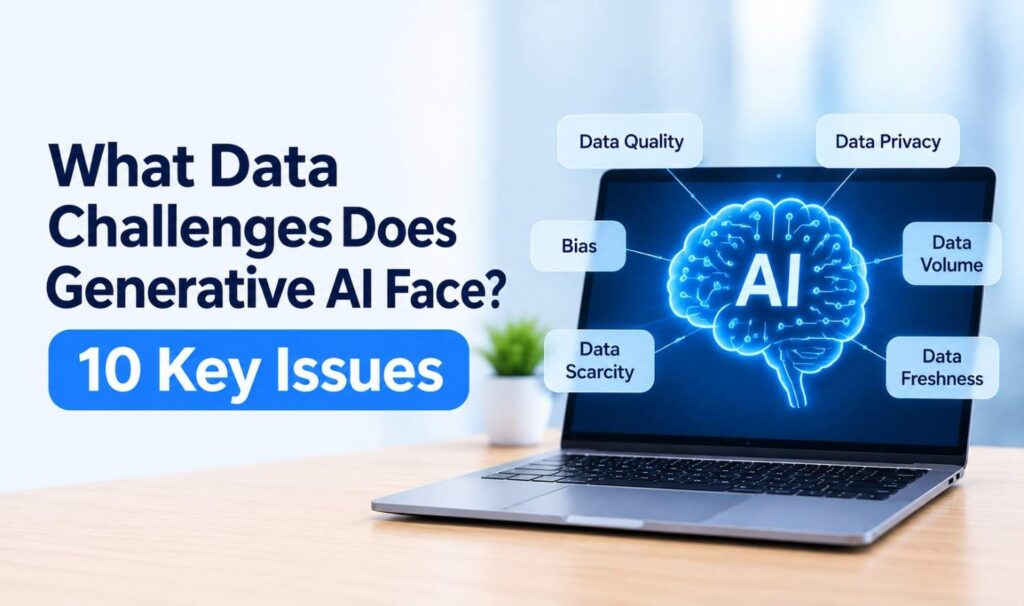
What challenges does generative AI face with respect to data? The biggest are poor data quality, bias, privacy risks, copyright disputes, a shrinking supply of high-quality human-written text, outdated information, data poisoning, model collapse from AI-generated content, messy business data and growing regulation. Each one affects how accurate, fair and safe AI outputs are. Generative AI is a bit like a chef. Give it fresh, well-labeled ingredients and it can make something great. Give it spoiled or mislabeled ones and even the best recipe fails. This guide explains each data challenge in plain language, shows what the research says and covers practical ways to reduce the risks. Why Data Matters So Much to Generative AI Generative AI learns patterns from huge amounts of data, then uses those patterns to create new text, images or code. It doesn’t understand the world the way people do. It reflects what it was trained on. So if the data is wrong, biased, outdated or incomplete, the outputs will be too. The scale is enormous. The US Government Accountability Office (GAO) notes that generative AI typically requires a large training dataset, “ranging from millions to trillions of data points.” At that size, small problems in the data can spread into millions of answers. That’s why data shapes almost every part of a model’s behavior, from the facts it gets right to the tone it uses and the gaps it can’t fill. A model trained mostly on English web pages, for example, will usually perform worse in other languages and in specialized fields with little public content. Training Data vs Your Business Data Generative AI data challenges show up in two places. The first is the training data that model makers use to build models like ChatGPT or Claude. The second is your own business data that you connect to those models. Most companies can’t change the training data, but they fully control their own data. Training Data Your Business Data Who controls it The model maker Your company Examples Web pages, books, code, licensed content Documents, CRM records, help articles, policies Main risks Bias, copyright, outdated knowledge, scarcity Messy formats, missing context, privacy, access control What you can do Choose models carefully, test outputs Clean, organize, govern and secure it What Challenges Does Generative AI Face With Respect to Data? Generative AI faces ten main data challenges, covering both the data used to train models and the data businesses feed into them. They range from basic quality problems to new risks like poisoning attacks and model collapse. The challenges below are grouped from the most common everyday issues to newer, research-driven concerns. 1. Poor Data Quality Incomplete, duplicated or incorrect data leads to incorrect answers. It’s the classic “garbage in, garbage out” problem. In business settings, outdated documents, conflicting versions and missing fields are common causes of wrong or confusing AI responses. 2. Bias in Training Data If some groups, languages or viewpoints are underrepresented in the data, a model can produce unfair or one-sided results. NIST lists “Harmful Bias or Homogenization” among the 12 risks of generative AI in its Generative AI Profile (NIST AI 600-1). 3. Privacy and Personal Data Training data and user prompts can contain personal information. NIST describes the data privacy risk as “leakage and unauthorized use, disclosure, or de-anonymization of biometric, health, location, or other personally identifiable information or sensitive data.” Employees pasting customer data into public AI tools adds to the risk. 4. Copyright and Data Ownership Many models were trained on content collected from the web, which raises questions about permission and payment. NIST’s intellectual property risk covers replicating “copyrighted, trademarked, or licensed content without authorization.” The US Copyright Office released a pre-publication report on generative AI training in May 2025, and the law is still developing. This is general information, not legal advice. 5. Running Out of High-Quality Data The supply of good human-written text is limited. Research group Epoch AI estimates the stock of quality public human text at about 300 trillion tokens and projects that AI models could fully use it between 2026 and 2032. Specialized fields, like medicine or law, have even less high-quality data available. 6. Outdated Data and Knowledge Cutoffs Most models learn from data collected up to a certain date. After that, they don’t know about new products, prices, laws or events unless they’re connected to fresh sources. This can lead to confident but outdated answers. 7. Data Poisoning and Security Attacks Attackers can plant harmful content in data a model learns from. OWASP lists “Data and Model Poisoning” in its Top 10 for LLM applications, where training or fine-tuning data is “manipulated to introduce vulnerabilities” such as hidden backdoors or bias. A 2025 study by Anthropic, the UK AI Security Institute and the Alan Turing Institute found that as few as 250 malicious documents could backdoor a model “regardless of model size or training data volume.” 8. Model Collapse From AI-Generated Data As more online content is created by AI, future models may be trained on it. Think of making a photocopy of a photocopy: each copy loses detail. A 2024 study in Nature found that “indiscriminate use of model-generated content in training causes irreversible defects,” with models gradually losing rare but important information. 9. Messy, Unstructured Business Data Company knowledge is often scattered across PDFs, emails, spreadsheets and old systems. That makes it hard for AI to find and use. Gartner found that 63% of organizations lack AI-ready data management practices or aren’t sure if they have them, and it predicts organizations will abandon 60% of AI projects unsupported by AI-ready data through 2026. 10. Regulation and Data Governance New rules are raising the bar for data. The EU AI Act requires training, validation and testing data for high-risk AI systems to be “relevant, sufficiently representative, and to the best extent possible, free of errors and complete.” Companies need clear records of where data comes from and how it’s used. Existing privacy laws and industry rules still
Reinforcement Learning Applications: 12 Real-World Examples
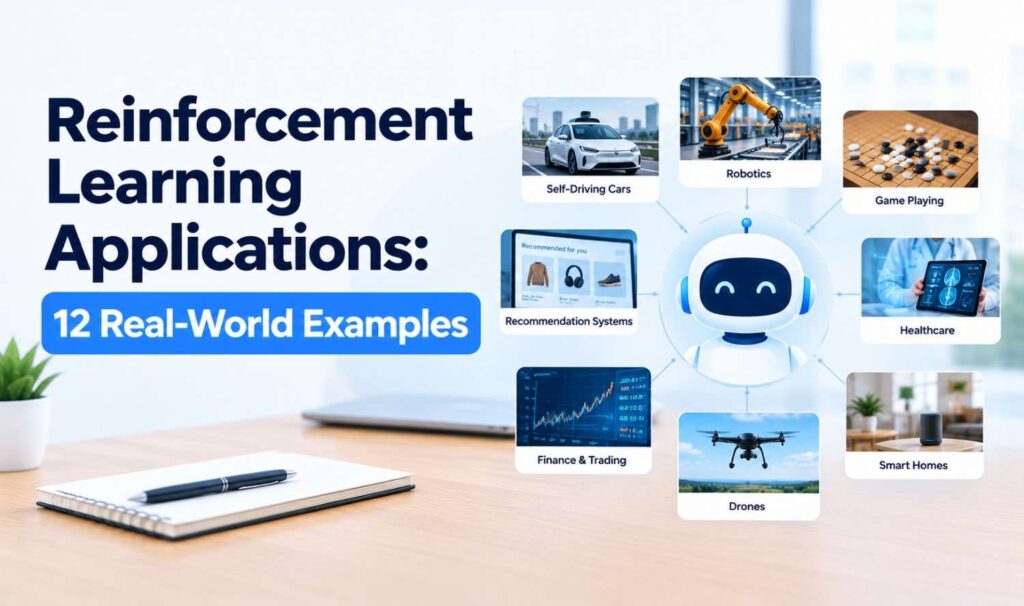
Explore 12 reinforcement learning applications, from ChatGPT-style RLHF and robotics to chip design and supply chains, with verified real-world examples.
AI Business Context Refinement: How to Make AI Understand Your Business
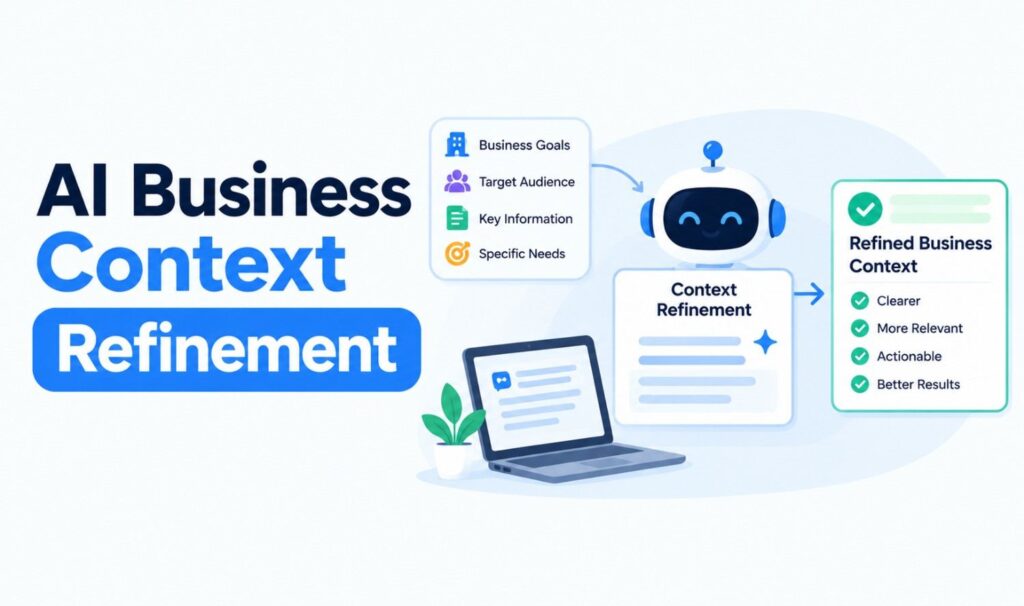
AI business context refinement explained: the four types of business context, 7 steps to refine it, how to validate AI answers and how to keep context current.
AI Chatbot Conversations Archive for Business: Setup, Retention and Compliance
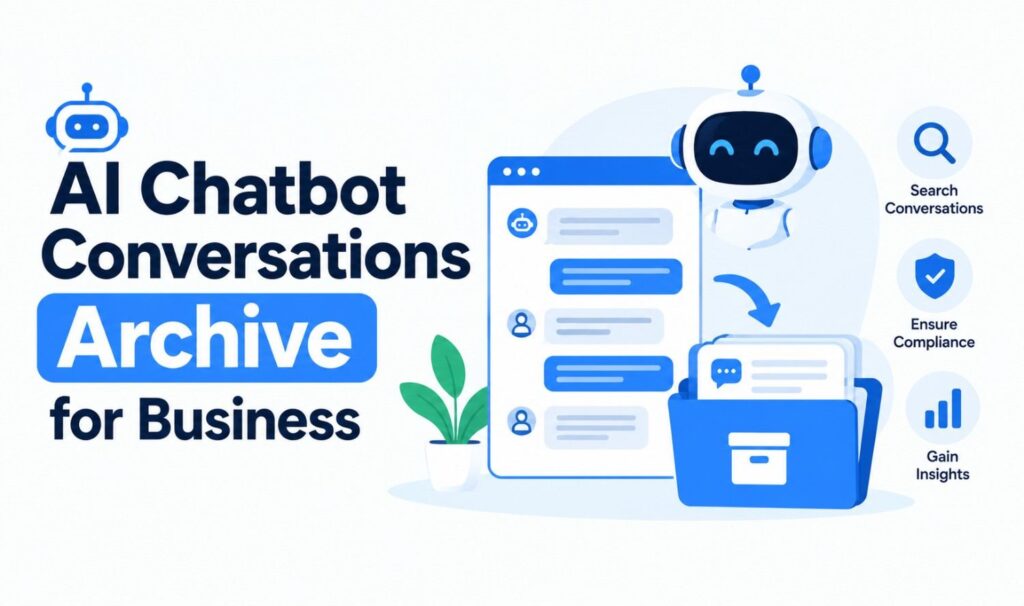
Learn how to set up an AI chatbot conversations archive: what to store, how it works, US retention and compliance rules, best practices and how to use chat history.
Agentic AI Pindrop Anonybit: What It Really Means and How It Works

Agentic AI Pindrop Anonybit explained: what each layer does, how they stop voice deepfakes together, what Pindrop says about building trust with agentic AI.
AI Contextual Governance: A Business Guide to Evolution and Adaptation (2026)
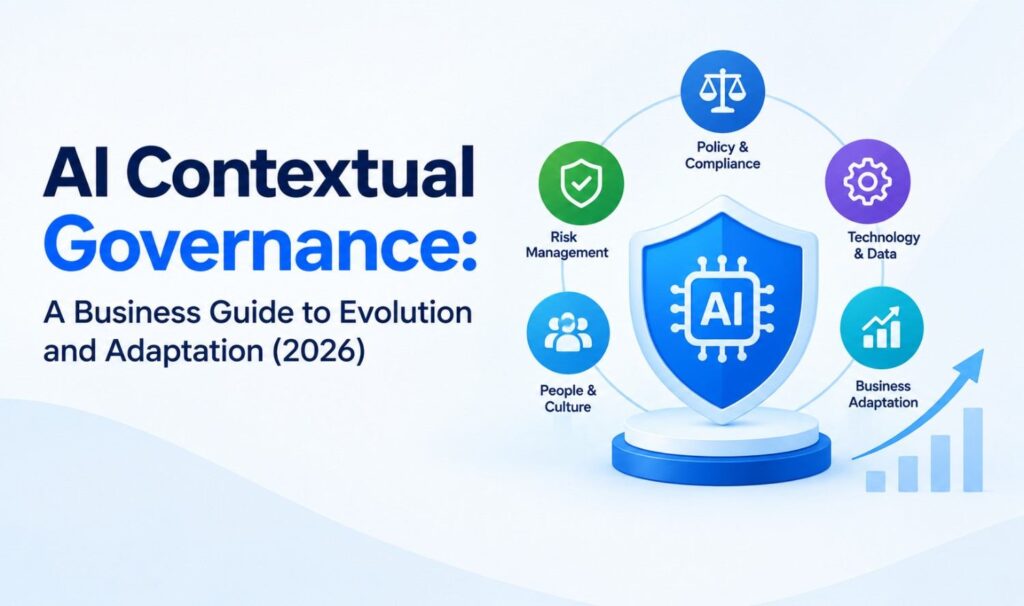
AI contextual governance helps businesses adapt AI oversight as they evolve. Learn the framework, US rules, key metrics and a 90-day rollout plan.
Hottest AI Startups in Silicon Valley: 20 to Watch in 2026

The hottest AI startups in Silicon Valley for 2026: 20 companies with verified funding, valuations and what each one builds, from Anthropic to Figure.
Messaging Security Agent: What It Is, How It Works and How to Build One

What is a messaging security agent? Learn both meanings, Trend Micro’s Exchange module and AI chat security, how each works and how to build one for your business.