
MindVideo AI Explained: Features, Models and How to Use It
MindVideo AI is an online platform that creates AI videos, images and music in one place. You can turn text or photos into short videos, pick from several third-party AI models like Veo 3.1, Sora 2 and Kling, add effects and edit or upscale your clips. New users get free credits to try it. If you’ve searched for MindVideo AI, you’ve probably seen plenty of “reviews” written by rival video apps. This guide takes a different approach. It sticks to what MindVideo AI’s official site says, explains each feature and model in plain English and gives you a simple checklist for privacy, commercial use and consent before you upload anything. What Is MindVideo AI? MindVideo AI is a web-based creative platform that brings AI video, image and audio generation into one dashboard. Instead of building its own single model, it gives you access to several well-known AI models. You type a prompt or upload an image, choose a model and generate content. The platform launched on Product Hunt on May 28, 2025, with the tagline “Generate Stunning HD Videos from Text & Images with AI.” Since then, it has grown into an all-in-one creative hub. Its homepage now describes it as a place to create AI videos, images and audio together, then edit, enhance and polish the results without design skills. Key Features of MindVideo AI MindVideo AI’s main features are text to video, image to video, AI image generation, AI music generation, text-based video editing, video enhancement up to 4K and video extension. Together, these let you create a clip, improve it and lengthen it without leaving the platform, which suits social media creators, marketers and anyone testing ideas quickly. There’s also a set of smaller tools, including an AI headshot generator, a hairstyle changer, lip sync and an image combiner. Which AI Models Does MindVideo AI Use? MindVideo AI lets you choose from several third-party video and image models instead of relying on one. As of November 2026, its site lists video models such as Veo 3.1, Sora 2, Kling 2.6, Wan 3.0 and Seedance 1.0 Pro, plus image models like GPT Image 2.5 and Nano Banana Pro. Model lists change often, so check the site. Type Models Listed on MindVideo AI Video Wan 3.0, Wan 2.6, Kling 2.6, Kling 2.1 Master, Veo 3.1, Sora 2, PixVerse V5, Seedance 1.0 Pro, HappyHorse 1.0, Pollo AI, Fotor AI Image GPT Image 2.5, GPT Image 2, Seedream 5.0, Nano Banana Pro, Nano Banana Why does this matter? Different models handle motion, realism, faces and audio differently. Having them in one dashboard lets you compare results side by side. The trade-off is that quality, speed and credit costs can vary by model, so it helps to test a few short clips before committing to a bigger project. AI Effects and Templates MindVideo AI offers ready-made effects that turn a photo into a short themed video with one click. Examples include AI Hug, AI Kissing, AI Dance, AI Ghibli, AI Muscle, Photo to Anime, Earth Zoom Out and AI 3D Polaroid. It also has face and character tools like AI Video Face Swap and AI Character Swap Video. These templates are popular for social media because they need no prompt writing. You upload an image, pick an effect and the platform does the rest. Here are the main groups: A note on consent: Face swap, kissing and celebrity tools use real people’s likenesses. Only use photos of yourself or of people who have clearly agreed. Don’t create content that could mislead viewers, embarrass someone or imply a real person said or did something they didn’t. Many platforms and laws treat non-consensual deepfakes seriously. How to Use MindVideo AI To use MindVideo AI, sign up for an account, choose a tool such as text to video or image to video, enter a prompt or upload an image, pick a model and settings, then generate. When the clip is ready, you can download it, enhance it, extend it or edit it with text instructions. Tip: If a generation fails, MindVideo AI says this can happen “due to temporary model instability.” Its advice is to check your connection, then try again or switch to another model. Is MindVideo AI Free? Pricing and Credits MindVideo AI is free to start. According to its FAQ, “new users receive free credits upon registration,” and you can earn more by checking in daily or by inviting friends. Generations use credits, and paid plans add more credits plus commercial rights. Exact plan prices can change, so check the official pricing page before buying. Some third-party articles list specific plan prices and limits. We couldn’t confirm those figures on MindVideo AI’s own site, so it’s safest to rely on the official pricing page at the time you sign up. A practical way to judge value is to track how many credits you spend per clip you actually keep. If you often need several tries to get a usable result, your real cost per video goes up. Safety, Privacy and Commercial Use Checklist Before using MindVideo AI for real projects, check four things: whether your plan includes commercial rights, how your uploads and outputs are stored, whether you have consent for any faces you use and what the terms of service say. MindVideo AI says commercial rights are only for paid users. Use this quick checklist: MindVideo AI Alternatives If MindVideo AI doesn’t fit your needs, there are many other AI video tools to consider. Some focus on social media marketing, others on turning images into motion, and some on editing or music videos. The right alternative depends on whether you need short clips, long videos, avatars or editing tools. When comparing options, look at: For side-by-side options, see our guides to the best text-to-video AI tools and the best AI tools to turn images into videos. Frequently Asked Questions What is MindVideo AI? MindVideo AI is an online platform for creating AI videos, images and music. It offers text to
6 Best AI Tools to Create Music Videos From Text Prompts
Creating a music video no longer requires a large production crew, expensive equipment or hours of manual animation. AI video tools let musicians describe their ideas in text prompts and turn them into moving visuals. Some platforms can build complete videos around uploaded songs, while others focus on generating individual scenes, animated effects or cinematic clips. Whether you’re an independent musician, producer or content creator, these six AI tools can help you bring your music video ideas to life. Quick Comparison of the Best AI Music Video Tools Tool Best For Key Strength invideo Complete music video creation AI agents and an editable timeline Kaiber Artistic music videos Music-guided video sequences Neural Frames Audio-reactive visuals Music-based animation Freebeat AI Automated music videos Song-to-video workflows Runway Cinematic music visuals Text-to-video generation Pika Creative music clips Visual effects and animation 1. invideo: Best for Complete AI Music Video Creation invideo is a powerful AI video creation platform that helps musicians turn creative ideas into complete music videos. Its music video maker lets users describe their concept in text prompts, while AI agents generate scenes, visuals, music, voiceovers, subtitles and effects. Creators can upload their own songs, images and performance footage, then describe the setting, lighting, mood and visual style they want. The platform can generate imagined scenes, assemble performance recordings or combine both into one music video. One of invideo’s biggest strengths is its editable multitrack timeline. Creators can keep their original song as the main audio track, adjust individual shot lengths and change the pacing between sections. A slow verse can use longer shots, while an energetic chorus can use quicker transitions. The platform also supports storyboarding, AI-assisted scriptwriting and real-time collaboration. Through invideo MCP, creators can connect compatible AI assistants to generate or arrange scenes with chat instructions. They can even build custom agents for tasks such as cinematography, editing and sound design. invideo works well for performance videos, visual storytelling and short music-release teasers. Finished videos can be exported for YouTube, Instagram, TikTok and other platforms. Key features: Best for: Musicians, independent artists and creators who want complete music video production with editing control. Limitation: Shot changes may need manual adjustments to match the song’s rhythm precisely. 2. Kaiber: Best for Artistic Music Video Creation Kaiber is an AI creative platform for musicians who want visually expressive music videos. Its Music Video Sequence workflow analyzes an uploaded song and generates scenes that follow its structure and mood. Creators can write text prompts describing characters, locations, actions and artistic styles. Kaiber then uses these instructions to build visual sequences that complement the music. The platform offers Generate, Reference and Restyle modes. Generate creates visuals from the audio and description, while the other two modes use reference images to guide the results. Kaiber supports video sequences from 30 seconds to four minutes, with different aspect ratios and quality settings. Its flexible visual styles make it a good fit for electronic music, experimental releases and animated storytelling. Key features: Best for: Musicians, digital artists and creators exploring stylized music videos. Limitation: Character appearance and scene details can vary across generated clips. 3. Neural Frames: Best for Audio-Reactive Music Videos Neural Frames is an AI video generator built around music-driven animation. Users upload audio tracks and generate visuals that respond to the sound and structure of their music. Its Autopilot workflow helps creators build music videos with AI-generated scenes and prompts. The platform can analyze songs, extract lyrics and suggest visual concepts that suit the track. Creators can also adjust individual scenes, experiment with artistic styles and control how visuals appear throughout the video. Neural Frames is especially useful for electronic music, ambient tracks and abstract visual experiences where animation plays a central role. Musicians who need artwork before animating can also explore our OpenDream AI guide, which covers generating images from text prompts. Key features: Best for: DJs, electronic musicians and creators producing abstract music visuals. Limitation: Detailed control over specific scenes may require extra manual adjustments. 4. Freebeat AI: Best for Automated Song-to-Video Creation Freebeat AI is a music video generation platform that turns songs into visual content. Creators can upload audio or paste supported music links, then describe their preferred visual direction in text prompts. The platform analyzes the music and generates video sequences that follow the track’s mood and structure. Creators can experiment with different styles, including storytelling, abstract animation and singing performances. Prompts can describe locations, colors, atmosphere and character appearance. Freebeat is especially useful for independent musicians who want music videos, promotional clips and visual content without handling every editing step manually. Key features: Best for: Independent artists and creators who prefer automated music video workflows. Limitation: Automatic generation can offer less control over individual shot timing and composition. 5. Runway: Best for Cinematic Music Video Scenes Runway is an AI video creation platform that helps artists generate cinematic footage from written instructions. It is useful for creating individual scenes that later become part of a complete music video. Creators can describe characters, environments, actions, lighting and camera movements, and the platform generates video clips from those instructions. Runway’s video models handle detailed prompts well, which makes them suitable for dream sequences, performance-inspired visuals, dramatic landscapes and other creative scenes. Its image-to-video tools also let creators animate existing artwork or reference images. This adds control when a music video needs a specific character or visual style. Key features: Best for: Filmmakers, music video directors and creators producing cinematic scenes. Limitation: Generated clips usually need to be arranged and synced with the music in a separate editing tool. 6. Pika: Best for Creative Short Music Clips Pika is an AI video generator for creating expressive visual content from text prompts and images. It is useful for musicians who want animated clips, music teasers and short promotional videos. Creators describe a character, action, environment or visual effect, then generate a short sequence based on those instructions. Pika also offers creative effects that transform subjects and add unusual movement,
6 Best AI YouTube Video Editors for Creators in 2027
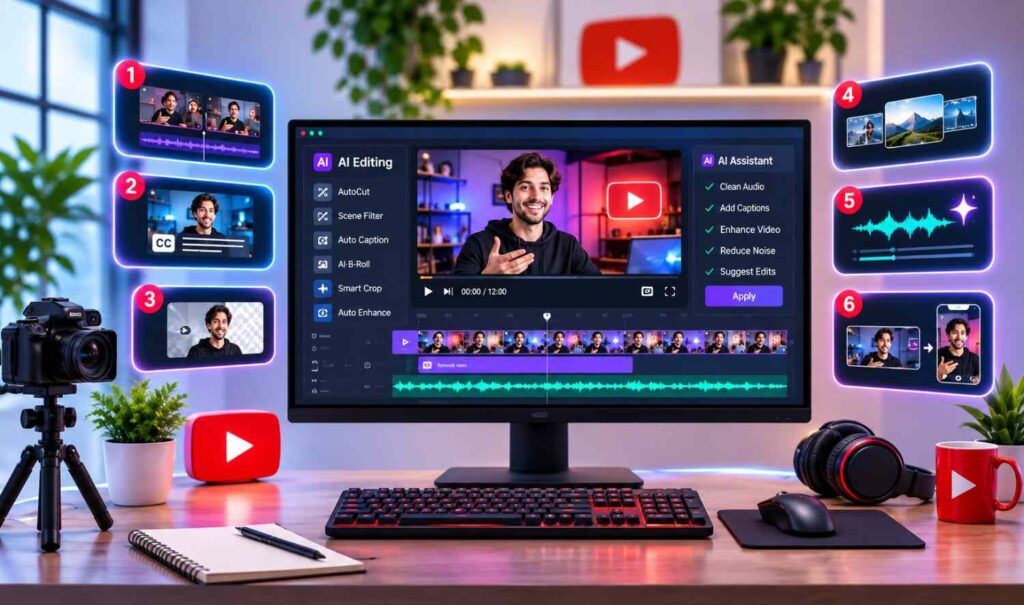
Creating a YouTube video involves more than recording footage. Creators need to pick the best takes, remove mistakes, improve sound, add captions and arrange clips into an engaging story. AI video editors make these tasks easier by automating repetitive work, giving creators more time to focus on their ideas. Some editors specialize in spoken videos, while others offer professional timelines, automatic cuts and tools for YouTube Shorts. Here are six AI YouTube video editors worth considering in 2027, based on their current features and editing capabilities. Quick Comparison of the Best AI YouTube Video Editors Tool Best For Key Strength invideo Editor Complete YouTube editing AI agents and a professional timeline Descript Talking-head content Transcript-based editing Filmora Creative YouTube videos AI effects and templates CapCut YouTube Shorts Quick edits and captions VEED Browser-based editing Automatic cuts and subtitles Adobe Premiere Professional editing Advanced editing and AI tools 1. invideo Editor: Best for Complete YouTube Video Editing invideo Editor is a browser-based, professional YouTube video editor that combines a fully editable multitrack timeline with AI agents. Creators can edit footage manually or let AI handle repetitive tasks while keeping control over the final video. Its AI agents can analyze footage by dialogue, actors, props and camera angles, making it easier to find useful shots. They can remove filler words, silences and unwanted takes before assembling a rough cut. Creators can also match cuts to music beats or provide a reference video to guide the pacing and editing style. For detailed editing, invideo offers keyframe animation, transitions, speed adjustments, stabilization, background replacement and automatic captions. Its professional tools include color wheels, tone curves, LUTs, waveform scopes and multitrack audio mixing. Creators can also connect external AI agents to work directly on the timeline. Teams can edit together in real time, leave frame-specific comments and continue working across devices. The platform supports vertical Shorts, YouTube chapter markers and MP4 exports up to 4K at 24, 30 or 60 fps. Users can also transfer editable projects to Premiere Pro, Final Cut Pro or DaVinci Resolve. A free 1080p export without a watermark is available. Key features: Best for: YouTubers, creative teams and professionals who want AI assistance with detailed editing control. Limitation: Beginners may need time to explore the advanced tools, and features such as nested sequences and node-based color grading are better served by desktop editors. 2. Descript: Best for Talking-Head YouTube Videos Descript lets creators edit videos by editing their transcripts. Instead of cutting every sentence manually, users can delete unwanted words, rearrange dialogue and make changes directly in the text. This makes Descript useful for interviews, tutorials, podcasts and educational YouTube channels. Creators can remove filler words, shorten pauses and improve dialogue with AI audio enhancement. Its Underlord AI assistant can generate rough cuts, add B-roll, apply layouts and complete editing tasks from written instructions. Users can also add captions, screen recordings and visual elements before exporting. Key features: Best for: Podcasters, educators and talking-head video creators. Limitation: Complex visual editing may require more manual timeline work. 3. Filmora: Best for Creative YouTube Content Filmora combines traditional video editing with AI features, effects and templates. It offers a timeline where creators can trim clips, arrange scenes, add music and create titles. Its AI tools can generate subtitles, improve audio and help turn longer recordings into short clips. Filmora also provides motion tracking, keyframes, color correction, speed controls and creative effects. These features make it suitable for gaming videos, travel vlogs, lifestyle content and promotional videos. Built-in templates help creators produce eye-catching content without designing every effect by hand. Overall, Filmora strikes a useful balance between beginner-friendly editing and advanced creative options. Key features: Best for: Vloggers, gaming creators and YouTubers producing visual content. Limitation: Some advanced effects and AI tools require paid access or credits. 4. CapCut: Best for YouTube Shorts CapCut is a video editor built for creators who need quick editing tools and social media features. It supports timeline editing, automatic captions, transitions, effects and audio adjustments. Creators can trim footage, change video dimensions and prepare vertical clips for YouTube Shorts. Its AI caption tools turn spoken dialogue into subtitles that can be styled for better readability. CapCut also offers filters, text effects, music and options for improving the look of footage. Its workflow suits creators who publish short videos regularly. Key features: Best for: YouTube Shorts creators and social media editors. Limitation: AI features and premium tools vary by platform, region and subscription. 5. VEED: Best for Online YouTube Editing VEED is a browser-based video editor that lets creators edit footage without installing desktop software. It provides tools for trimming clips, adding captions, cleaning audio and arranging video content. Its Magic Cut feature automatically removes silences, filler words and repeated mistakes from spoken recordings. Creators can review the result and make further changes on the timeline. VEED also supports transcript-based editing, automatic subtitles and tools for turning long videos into short clips. These features are helpful for tutorials, interviews and marketing videos. If you’re interested in AI handling more complex tasks, our AI agent platforms comparison explains how different AI systems support automated workflows. Key features: Best for: Educators, marketers and small creative teams. Limitation: Magic Cut currently supports English speech only. 6. Adobe Premiere: Best for Professional YouTube Production Adobe Premiere is professional video editing software for creators who need detailed control over complex projects. It combines advanced timeline editing with AI-assisted features. Its Text-Based Editing tool lets users build rough cuts from transcripts. Speech enhancement improves dialogue, while automatic transcription and captioning reduce manual work. Premiere also offers Media Intelligence for searching footage by description, along with advanced color correction, audio mixing, effects and multicamera editing. Auto Reframe adapts horizontal footage to vertical formats, which is useful for producing YouTube Shorts from longer videos. Key features: Best for: Professional editors, filmmakers and established YouTube production teams. Limitation: Its advanced interface and subscription cost may not suit beginners. How to Choose the Right AI YouTube Video
7 Best AI Tools to Turn Images Into Videos in 2027

Turning a still image into a video once required animation skills and hours of editing. Today, AI tools can add movement to photos, create camera effects and turn product images into short videos with simple instructions. These tools help businesses, marketers and creators produce engaging content without filming everything from scratch. However, they differ in motion quality, editing features and creative control. Here are seven AI image-to-video tools worth exploring in 2027, based on their current capabilities. Quick Comparison of the Best AI Image-to-Video Tools Tool Best For Key Strength invideo Complete video production Multiple AI models and editing Runway Professional creators Detailed motion control Pika Social media content Creative video effects Luma Dream Machine Cinematic videos Camera movement Adobe Firefly Brand content Design workflows Canva Beginners Simple photo animation 1. invideo: Best for Complete Image-to-Video Creation Invideo is a versatile AI video creation platform that helps users turn still images into moving videos. Its Photo to Video tool lets creators upload an image, describe the motion they want and generate a video with their preferred AI model. Users can upload JPG, PNG or WEBP files, including product photos, portraits, illustrations and real estate images. The platform offers access to models such as Seedance, Kling and Runway, giving creators several options for generating motion. One of invideo’s strongest features is its ability to keep brand and character references consistent across multiple clips through invideo agent. This is useful for product ads, consistent characters and longer video sequences. Users can also create storyboards, write scripts, edit videos on a timeline and request changes with simple instructions. invideo supports real-time collaboration and exports in aspect ratios suited to YouTube, Instagram and TikTok. Its free plan also allows limited video creation, which makes it accessible to users exploring AI animation. Key features: Best for: Businesses, marketers and creators who need image animation and complete video production. Limitation: Video duration and generation options depend on the selected AI model. 2. Runway: Best for Advanced Motion Control Runway is an AI video generation platform designed for filmmakers, artists and creative professionals. It lets users animate still images with text prompts that describe subject movement, camera direction and scene changes. Its Gen-4.5 model supports image-to-video generation and can follow detailed instructions for controlled movement. Creators can experiment with camera angles, atmospheric effects and transitions while keeping the original image as a visual reference. Runway is particularly useful for concept videos, cinematic scenes and creative projects that need precise direction. However, generating several versions can increase credit usage. Key features: Best for: Professional creators, filmmakers and designers. Limitation: Advanced generation can become expensive when multiple attempts are needed. 3. Pika: Best for Creative Social Media Videos Pika is an AI video generation tool known for creative animations and visual effects. It lets users turn still images into short clips by describing the movement or transformation they want. The platform is useful for playful animations, unusual visual effects and attention-grabbing social media content. Users can experiment with different prompts and effects without learning traditional animation software. Pika works well for creators who value visual creativity over detailed video editing. Its short-form approach suits promotional posts, creative experiments and entertaining clips. Key features: Best for: Social media creators and visual content makers. Limitation: Strong visual effects may change details from the original image. 4. Luma Dream Machine: Best for Cinematic Videos Luma Dream Machine is an AI video creation platform that turns still images into moving scenes. It focuses on natural motion, camera movement and cinematic results. Creators can upload images, describe the action and generate clips with movement that suits the scene. The platform works well for turning landscapes, architectural photos and digital artwork into cinematic sequences. Luma also supports reference-based creation and keyframe workflows, depending on the selected model and tools. These options help creators develop visual ideas and experiment with different movements. If you need artwork before animating it, our OpenDream AI guide explores another way to create images with AI. Key features: Best for: Filmmakers, artists and visual storytellers. Limitation: Complex movements can sometimes affect image consistency. 5. Adobe Firefly: Best for Professional Design Workflows Adobe Firefly helps designers turn still images and illustrations into moving videos with AI. Its video generation features let users combine image references with text instructions to describe the desired movement. The platform supports starting frames, optional ending frames and camera settings. These features make it useful for branded visuals, advertising concepts and design projects. Adobe Firefly also fits naturally into workflows that involve other Adobe creative apps. Its own Firefly Video model is designed with commercial use in mind, although licensing terms can differ when using partner models. Key features: Best for: Designers, creative teams and marketing professionals. Limitation: Advanced features and generation allowances depend on the plan. 6. Canva: Best for Beginners Canva offers an easy way to turn photos and graphics into short animated videos. Its Image to Video feature helps beginners create movement without learning advanced editing techniques. Users select an image, choose the animation tool and generate a five-second video. Canva offers Smart mode for automatic motion and Custom mode for describing the movement you want. The generated clip can be added to Canva designs, presentations or social media content, and combined with text, graphics and templates. For creators working with photos, our Kaze AI photo editor review covers more photo-editing options. Key features: Best for: Beginners, small businesses and casual creators. Limitation: Its AI Image to Video feature generates short, five-second animations. How to Choose the Right AI Image-to-Video Tool The right tool depends on your content goals and editing needs: Before choosing, consider video quality, ease of use, available credits, export options and commercial usage rights. You can also explore our AI agent platforms comparison to see how AI-powered workflows support other creative and business tasks. Conclusion AI image-to-video tools help creators turn ordinary photos into moving content for marketing, storytelling and social media. Each platform has different strengths. invideo stands out
6 Best Text-to-Video AI Tools for Social Media Marketing

Social media marketing requires a steady flow of videos to keep audiences interested. However, creating fresh content for Instagram, TikTok, YouTube and LinkedIn takes time, especially for businesses with small marketing teams. Text-to-video AI tools make video creation easier by turning written prompts, scripts and ideas into visual content. These platforms can generate scenes, add voiceovers, suggest visuals and help marketers produce videos without filming everything from scratch. Here are six text-to-video AI tools that can help businesses create social media content in 2026. Text-to-Video AI Tools at a Glance Tool Best For Standout Feature invideo Original AI-generated videos and ads Multiple AI models, AI agents and up to 4K output Pictory Turning blog posts and scripts into videos Automatic scene creation from text or URLs Fliki Multilingual narrated videos AI voices in 80+ languages Lumen5 Repurposing articles into branded videos Branded templates for business content VEED Generating and editing in one place Browser-based editor with subtitles and translation Canva Branded social media designs AI clips combined with Canva design tools 1. invideo Best for: Creating AI-generated social media videos, product ads and cinematic content from text prompts. invideo is an AI video creation platform that helps marketers turn written ideas into videos without traditional filming. Its Text to Video generator lets users describe scenes, characters, movements and visual styles, while AI generates videos with realistic visuals, animation, voiceovers and music. The platform offers access to AI models such as Seedance 2.5, Gemini Omni Flash, Veo 3.1, Kling and MiniMax. These models support cinematic scenes, realistic characters, natural motion and synchronized audio. Depending on the model, creators can generate clips at up to 4K resolution. invideo also supports AI avatars, UGC-style ads, product promotions and short-form social media content. Its AI agents can work from scripts and creative briefs, generate clips and arrange them on an editable timeline. Users can then review scenes, refine the video and export it. Additional features include AI-assisted scriptwriting, storyboarding, custom agents for creative tasks and real-time team collaboration. These make invideo especially useful for marketers who want original AI-generated videos while keeping creative control. Key features: Where it falls short: Higher-resolution generation and advanced models may require additional credits, depending on the plan. 2. Pictory Best for: Turning blog posts, scripts and written content into social media videos. Pictory is an AI video creation tool designed to help marketers repurpose existing content. Users can enter a script, upload a document or paste a blog URL to create videos with relevant visuals, captions and narration. The platform automatically organizes written content into scenes and matches them with footage or images. Marketers can replace visuals, change scene timing and customize the video before exporting. Pictory also supports AI voiceovers, automatic captions and brand kits. These features suit businesses that regularly publish educational articles, product guides or industry updates. For social media, Pictory works well for turning longer written content into short, informative videos for LinkedIn, Instagram and YouTube. Key features: Where it falls short: Automatically selected visuals may need manual changes to match a specific brand message or creative style. 3. Fliki Best for: Creating multilingual social media videos with AI-generated narration. Fliki combines text-to-video creation with AI voice generation. Marketers can enter a script, describe an idea or share a blog URL to create videos with visuals, narration, captions and background music. The platform offers a large library of AI voices in more than 80 languages, which makes it useful for businesses targeting audiences in different regions. It also supports AI avatars and tools for editing generated videos. Users can adjust the narration, change visuals, customize captions and choose the right video format for each social channel. Fliki is particularly useful for educational content, product explainers, narrated ads and social videos where clear voiceovers matter. Its straightforward workflow also makes it accessible to marketers with limited editing experience. Key features: Where it falls short: Videos built with automatically matched stock visuals may need extra customization to look unique. 4. Lumen5 Best for: Repurposing business articles and marketing content into branded videos. Lumen5 is an AI video platform focused on helping businesses turn written content into visual stories. Marketers can transform blog posts, articles and documents into videos using automated scene creation and customizable templates. The platform organizes written information into scenes and pairs it with suitable images, footage and text layouts. Users can adjust the content, replace visuals and add music to prepare videos for social media. Lumen5 also offers brand customization, reusable templates and collaboration features, which help businesses keep a consistent visual identity across campaigns. For social media teams, it’s useful for turning company updates, educational articles, industry insights and thought leadership content into videos. Key features: Where it falls short: Its template-based workflow may be less suitable for marketers who want detailed control over original AI-generated cinematic scenes. 5. VEED Best for: Generating and editing social media videos in one browser-based workspace. VEED combines AI video generation with online editing. Users can create videos from written prompts and work with AI-generated visuals, avatars, voiceovers and other media elements. The platform also includes tools for trimming clips, adding text, generating subtitles and preparing content for different social platforms. For marketing teams, this combination helps when videos need several rounds of changes before publishing. Users can generate content, edit scenes, add captions and update the overall presentation in the same workspace. VEED also supports video translation and AI voice features, making it useful for businesses producing promotional content for different audiences. Key features: Where it falls short: Some advanced AI generation and editing features require a paid plan or additional credits. 6. Canva Best for: Creating AI-generated video clips with branded social media designs. Canva combines AI video generation with its existing design and video editing tools. Users can describe a scene in a written prompt and generate short video clips with visuals and audio. These clips can then be added to Canva designs, where marketers can include text, graphics, logos and other
Best Open Source AI Assistants in 2026: 10 Self-Hosted Picks
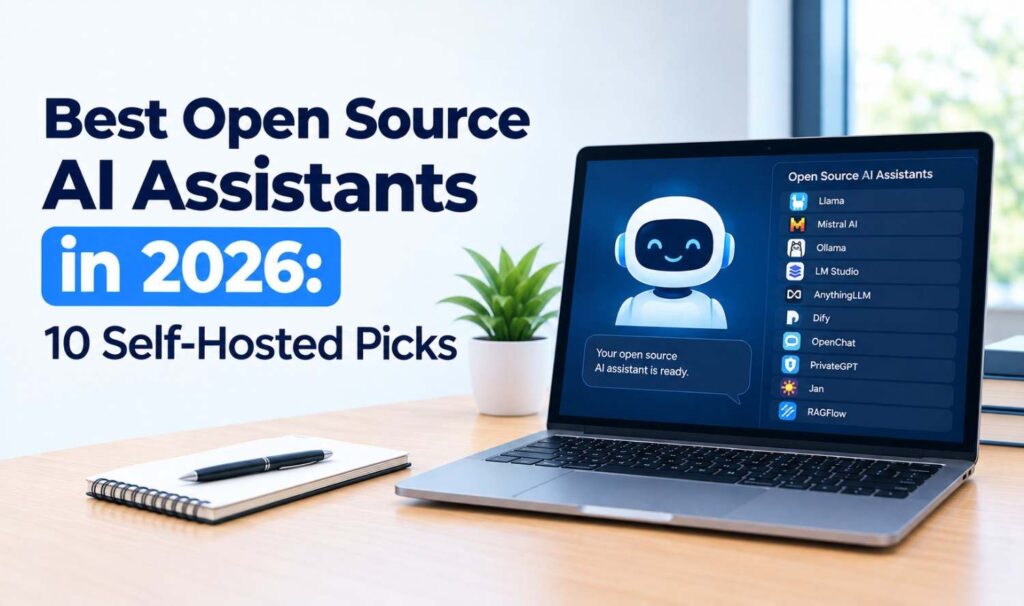
Compare the best open source AI assistant options in 2026, including OpenClaw, Jan, AnythingLLM and Open WebUI, with licenses, platforms and safety tips.
Best AI Agent Platforms in 2026: 10 Picks by Use Case
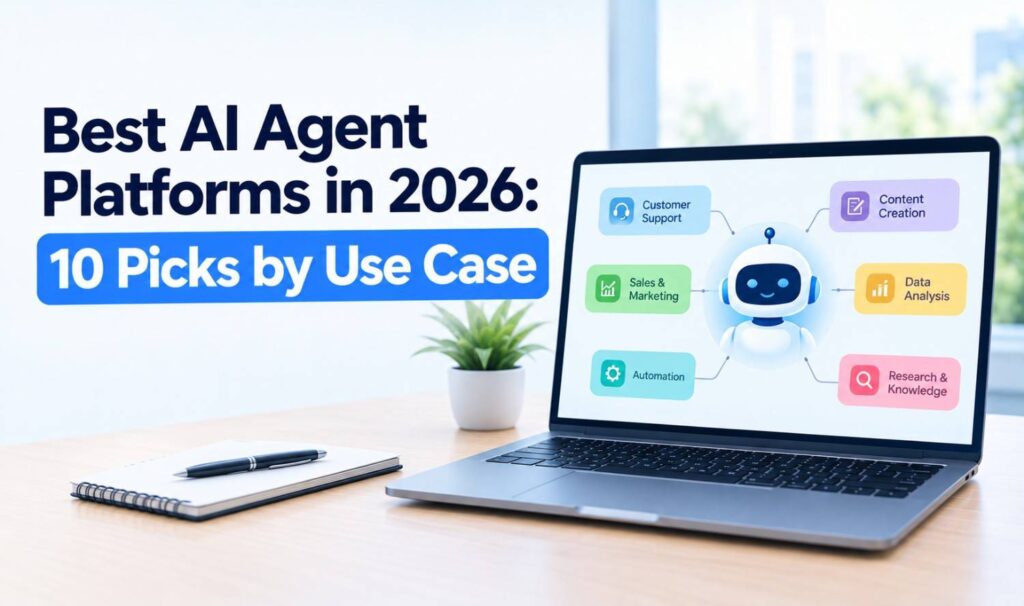
Compare the best AI agent platforms in 2026, from Copilot Studio and Agentforce to n8n, LangGraph and CrewAI, with verified pricing and how to choose one.
Best AI Tools for Coding in 2026: 10 Picks Compared
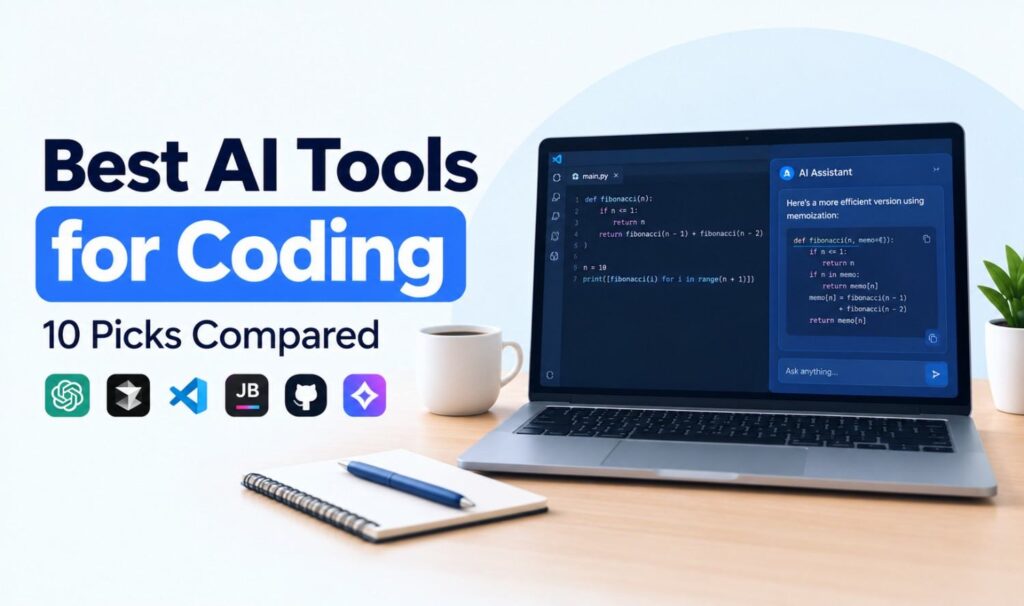
Compare the best AI tools for coding in 2026, including GitHub Copilot, Cursor, Claude Code and Codex, with verified pricing, free plans and who each tool suits.
OpenFuture.ai Explained: How the AI Tools Directory Works
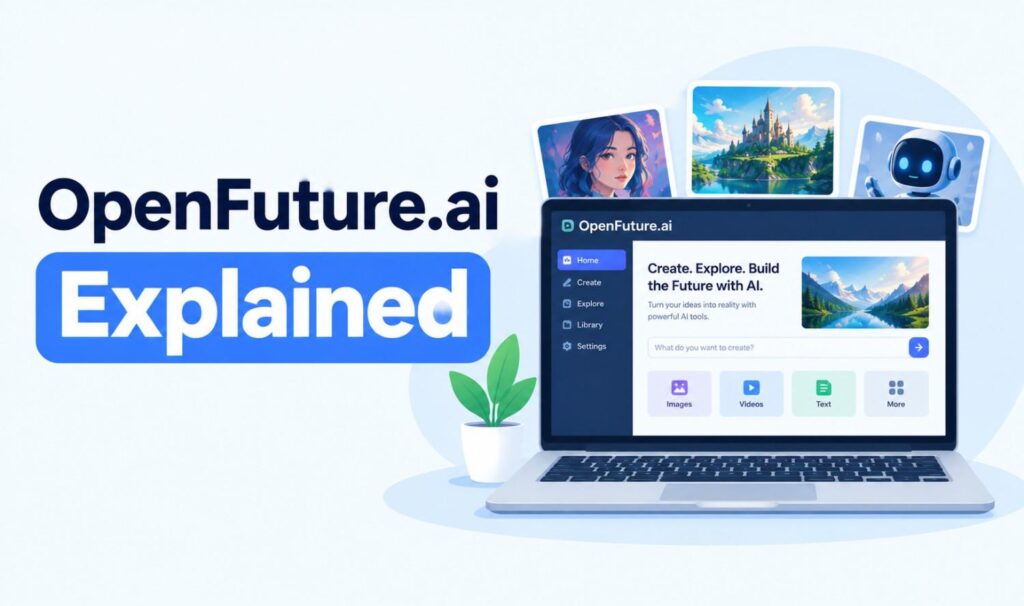
What is openfuture.ai? Learn how the AI tools directory works, its categories and pricing filters, whether it’s free, who runs it and how to check listed tools.
OpenDream AI Explained: Models, Features, Pricing and How It Works (2026)
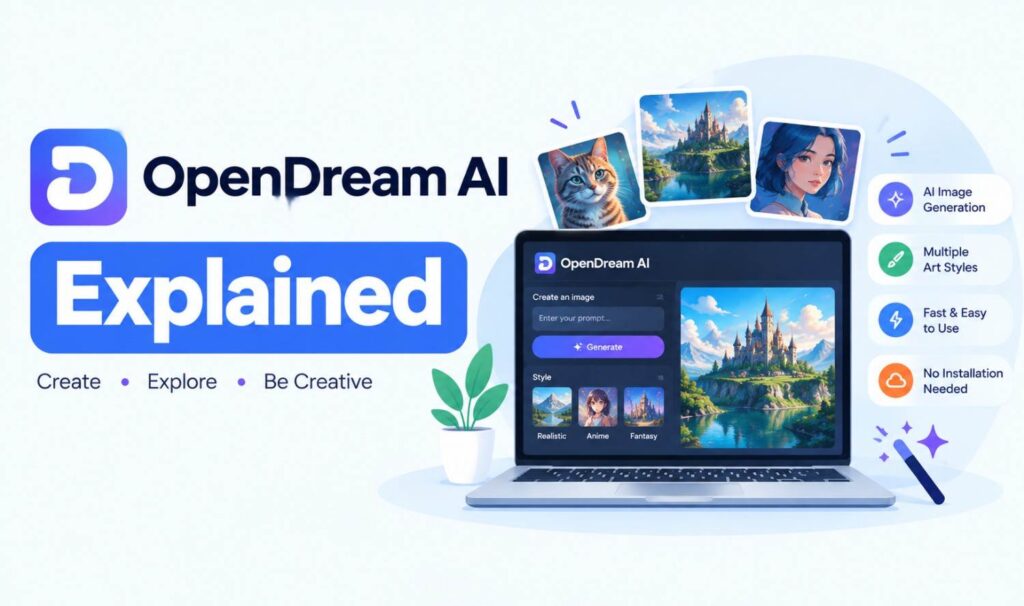
What is OpenDream AI? Learn how the OpenDream AI art generator works, its 4 models, free and paid plans, commercial use, copyright rules and alternatives.