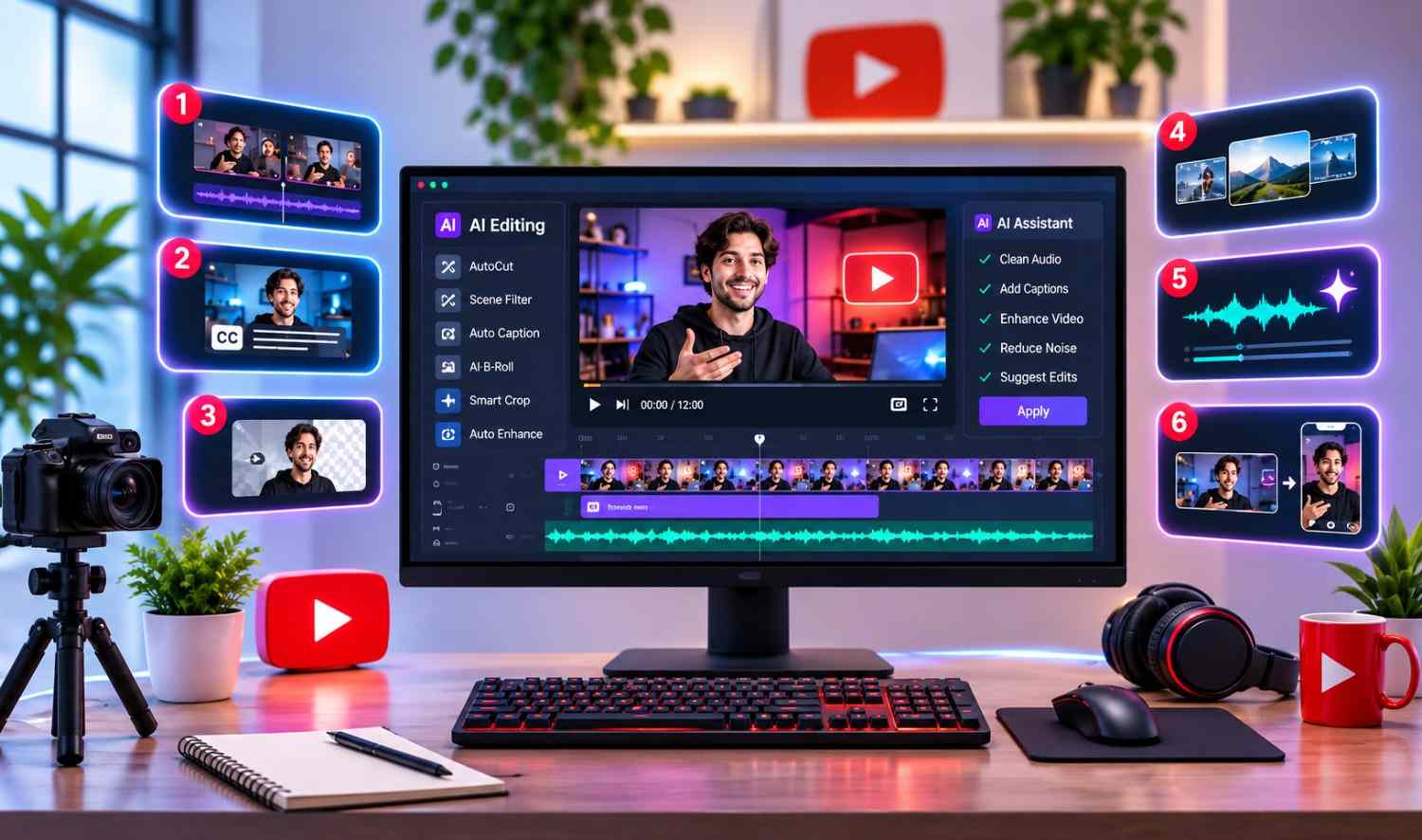

Creating a YouTube video involves more than recording footage. Creators need to pick the best takes, remove mistakes, improve sound, add captions and arrange clips into an engaging story.
AI video editors make these tasks easier by automating repetitive work, giving creators more time to focus on their ideas. Some editors specialize in spoken videos, while others offer professional timelines, automatic cuts and tools for YouTube Shorts.
Here are six AI YouTube video editors worth considering in 2027, based on their current features and editing capabilities.
Quick Comparison of the Best AI YouTube Video Editors
| Tool | Best For | Key Strength |
|---|---|---|
| invideo Editor | Complete YouTube editing | AI agents and a professional timeline |
| Descript | Talking-head content | Transcript-based editing |
| Filmora | Creative YouTube videos | AI effects and templates |
| CapCut | YouTube Shorts | Quick edits and captions |
| VEED | Browser-based editing | Automatic cuts and subtitles |
| Adobe Premiere | Professional editing | Advanced editing and AI tools |
1. invideo Editor: Best for Complete YouTube Video Editing
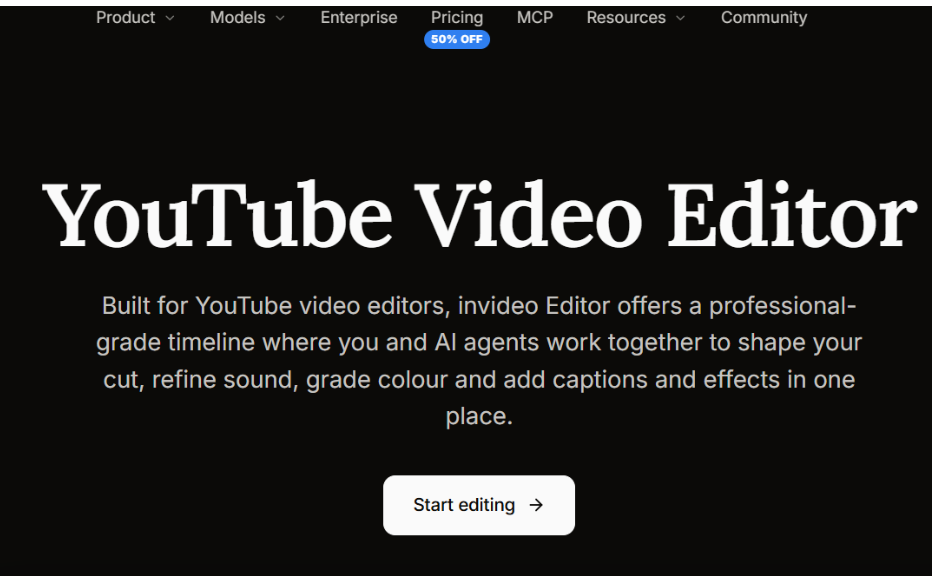
invideo Editor is a browser-based, professional YouTube video editor that combines a fully editable multitrack timeline with AI agents. Creators can edit footage manually or let AI handle repetitive tasks while keeping control over the final video.
Its AI agents can analyze footage by dialogue, actors, props and camera angles, making it easier to find useful shots. They can remove filler words, silences and unwanted takes before assembling a rough cut. Creators can also match cuts to music beats or provide a reference video to guide the pacing and editing style.
For detailed editing, invideo offers keyframe animation, transitions, speed adjustments, stabilization, background replacement and automatic captions. Its professional tools include color wheels, tone curves, LUTs, waveform scopes and multitrack audio mixing.
Creators can also connect external AI agents to work directly on the timeline. Teams can edit together in real time, leave frame-specific comments and continue working across devices.
The platform supports vertical Shorts, YouTube chapter markers and MP4 exports up to 4K at 24, 30 or 60 fps. Users can also transfer editable projects to Premiere Pro, Final Cut Pro or DaVinci Resolve. A free 1080p export without a watermark is available.
Key features:
- AI footage logging, rough cuts, beat matching and reference-based editing
- Professional timeline with keyframes, color grading and audio mixing
- Collaborative editing, automatic captions and YouTube Shorts creation
- 4K exports, audio-only exports and editable project transfers
Best for: YouTubers, creative teams and professionals who want AI assistance with detailed editing control.
Limitation: Beginners may need time to explore the advanced tools, and features such as nested sequences and node-based color grading are better served by desktop editors.
2. Descript: Best for Talking-Head YouTube Videos
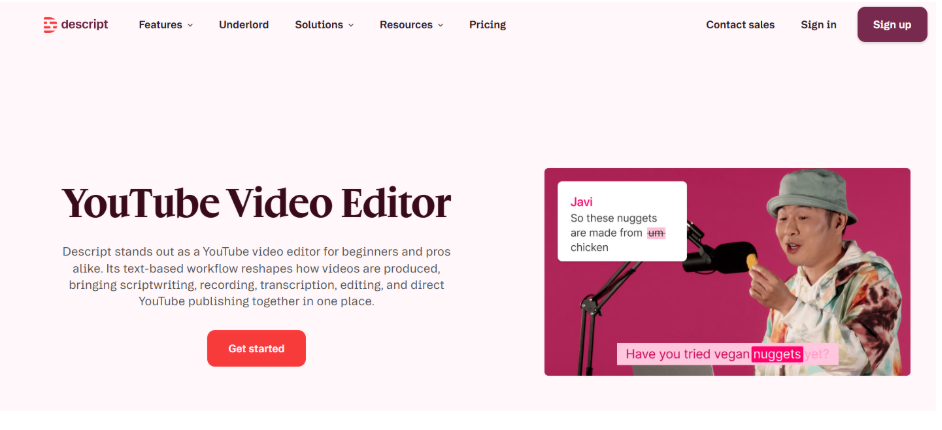
Descript lets creators edit videos by editing their transcripts. Instead of cutting every sentence manually, users can delete unwanted words, rearrange dialogue and make changes directly in the text.
This makes Descript useful for interviews, tutorials, podcasts and educational YouTube channels. Creators can remove filler words, shorten pauses and improve dialogue with AI audio enhancement.
Its Underlord AI assistant can generate rough cuts, add B-roll, apply layouts and complete editing tasks from written instructions. Users can also add captions, screen recordings and visual elements before exporting.
Key features:
- Transcript-based video editing and automatic transcription
- Underlord AI assistant for editing tasks
- Filler-word removal and audio enhancement
- Captions, B-roll and scene layouts
Best for: Podcasters, educators and talking-head video creators.
Limitation: Complex visual editing may require more manual timeline work.
3. Filmora: Best for Creative YouTube Content
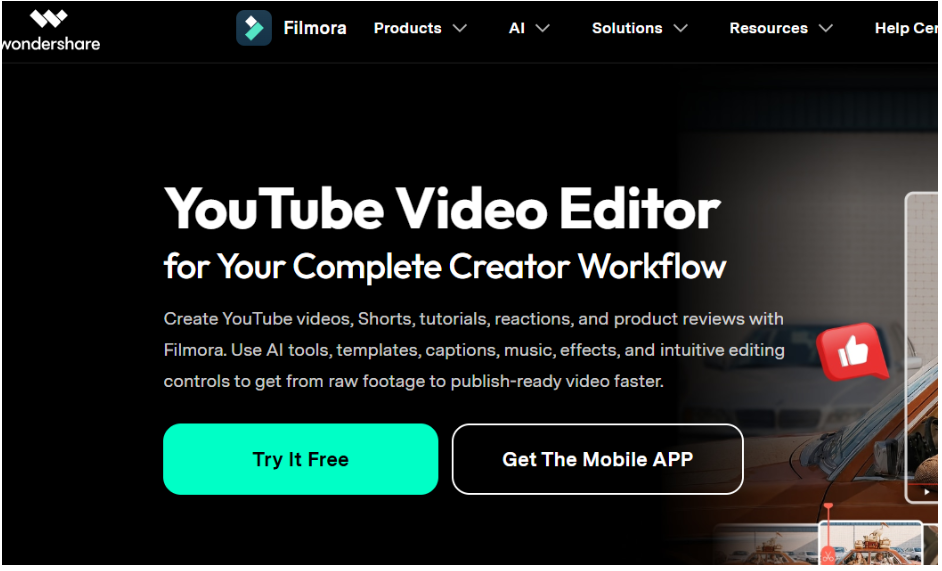
Filmora combines traditional video editing with AI features, effects and templates. It offers a timeline where creators can trim clips, arrange scenes, add music and create titles.
Its AI tools can generate subtitles, improve audio and help turn longer recordings into short clips. Filmora also provides motion tracking, keyframes, color correction, speed controls and creative effects.
These features make it suitable for gaming videos, travel vlogs, lifestyle content and promotional videos. Built-in templates help creators produce eye-catching content without designing every effect by hand. Overall, Filmora strikes a useful balance between beginner-friendly editing and advanced creative options.
Key features:
- Timeline editing with transitions and effects
- Automatic subtitles and AI audio enhancement
- Motion tracking, keyframes and color adjustments
- Smart short clips and creative templates
Best for: Vloggers, gaming creators and YouTubers producing visual content.
Limitation: Some advanced effects and AI tools require paid access or credits.
4. CapCut: Best for YouTube Shorts
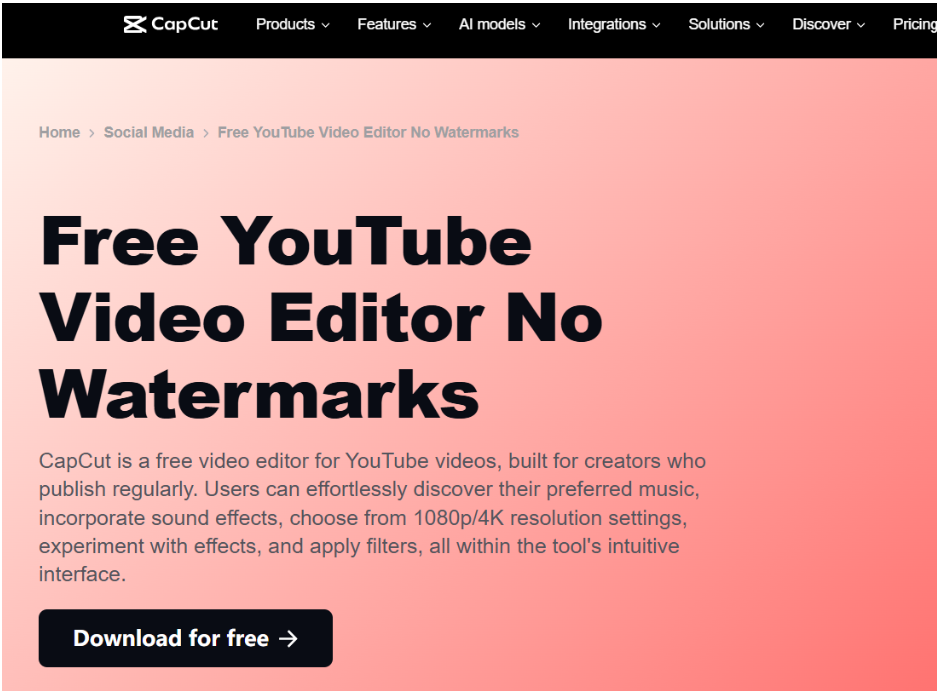
CapCut is a video editor built for creators who need quick editing tools and social media features. It supports timeline editing, automatic captions, transitions, effects and audio adjustments.
Creators can trim footage, change video dimensions and prepare vertical clips for YouTube Shorts. Its AI caption tools turn spoken dialogue into subtitles that can be styled for better readability.
CapCut also offers filters, text effects, music and options for improving the look of footage. Its workflow suits creators who publish short videos regularly.
Key features:
- Timeline editing and short-video templates
- Automatic captions and text styling
- Video resizing, transitions and effects
- Music, sound effects and visual adjustments
Best for: YouTube Shorts creators and social media editors.
Limitation: AI features and premium tools vary by platform, region and subscription.
5. VEED: Best for Online YouTube Editing
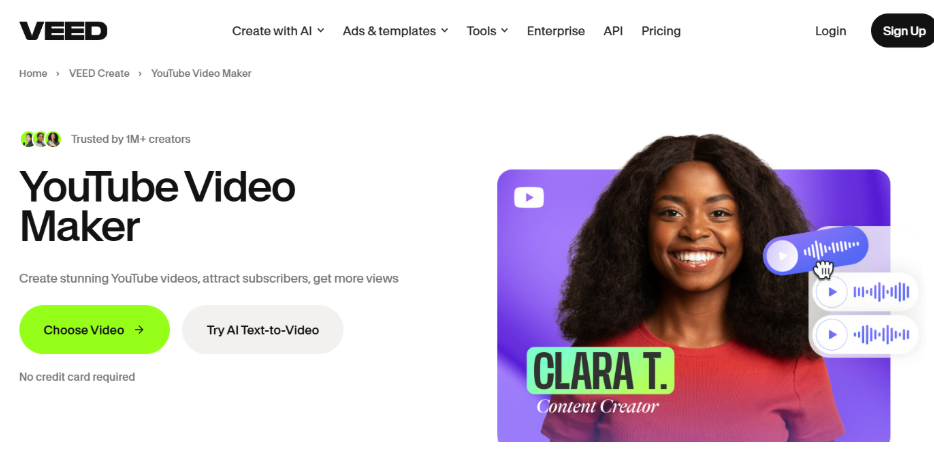
VEED is a browser-based video editor that lets creators edit footage without installing desktop software. It provides tools for trimming clips, adding captions, cleaning audio and arranging video content.
Its Magic Cut feature automatically removes silences, filler words and repeated mistakes from spoken recordings. Creators can review the result and make further changes on the timeline.
VEED also supports transcript-based editing, automatic subtitles and tools for turning long videos into short clips. These features are helpful for tutorials, interviews and marketing videos.
If you’re interested in AI handling more complex tasks, our AI agent platforms comparison explains how different AI systems support automated workflows.
Key features:
- Online video editing with timeline controls
- Magic Cut for pauses, filler words and mistakes
- Transcript editing and automatic captions
- AI-assisted short-clip creation
Best for: Educators, marketers and small creative teams.
Limitation: Magic Cut currently supports English speech only.
6. Adobe Premiere: Best for Professional YouTube Production
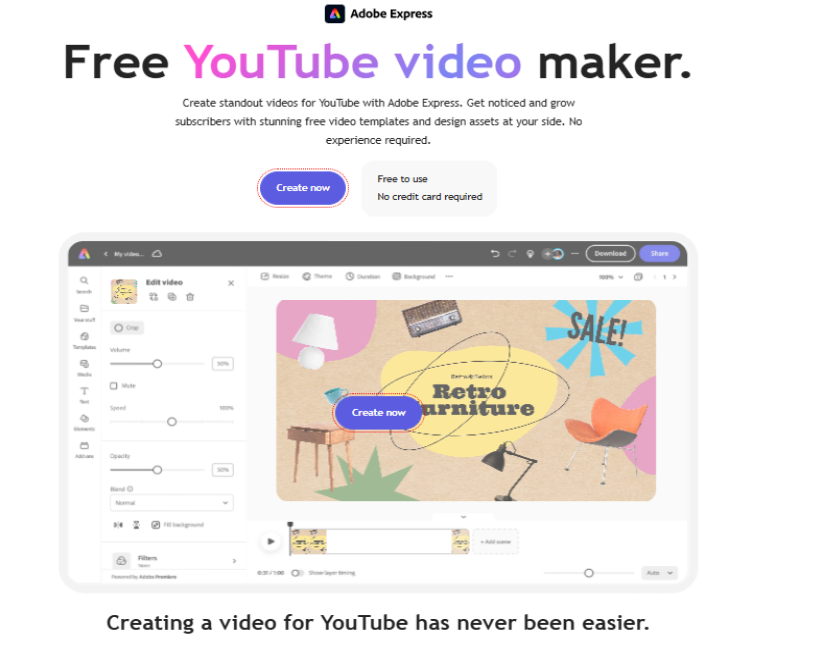
Adobe Premiere is professional video editing software for creators who need detailed control over complex projects. It combines advanced timeline editing with AI-assisted features.
Its Text-Based Editing tool lets users build rough cuts from transcripts. Speech enhancement improves dialogue, while automatic transcription and captioning reduce manual work.
Premiere also offers Media Intelligence for searching footage by description, along with advanced color correction, audio mixing, effects and multicamera editing. Auto Reframe adapts horizontal footage to vertical formats, which is useful for producing YouTube Shorts from longer videos.
Key features:
- Advanced multitrack timeline editing
- AI transcription and text-based rough cuts
- Speech enhancement and media search
- Professional color, audio and reframing tools
Best for: Professional editors, filmmakers and established YouTube production teams.
Limitation: Its advanced interface and subscription cost may not suit beginners.
How to Choose the Right AI YouTube Video Editor
The best editor depends on your content style, editing experience and production needs:
- For professional timeline editing with AI agents: invideo Editor
- For dialogue-heavy content: Descript
- For creative effects and templates: Filmora
- For YouTube Shorts: CapCut
- For convenient online editing: VEED
- For detailed professional workflows: Adobe Premiere
Compare editing features, export quality, collaboration options and pricing before deciding. You can also read our OpenFuture.ai guide to see how AI tool directories help users compare different software.
Conclusion
AI YouTube video editors help creators reduce manual work and improve their production process. From automatic captions and rough cuts to detailed color and sound adjustments, these tools support every stage of video creation.
invideo Editor stands out for combining AI agents with professional editing tools, while Descript, Filmora, CapCut, VEED and Adobe Premiere each offer useful features for different kinds of creators.
Choose a tool that fits your workflow and gives you enough control over the finished video.
Frequently Asked Questions
Which AI video editor is best for YouTube?
invideo Editor is a strong option for AI-assisted professional editing. Descript suits spoken videos, CapCut works well for Shorts, and Adobe Premiere supports complex projects.
Can AI automatically edit YouTube videos?
Yes. AI editors can analyze footage, remove pauses, generate captions and create rough cuts. Creators can then review and refine the results before publishing.
Can I edit YouTube videos online for free?
Yes. Some online editors offer free plans. invideo Editor, for example, offers a free 1080p export without a watermark, although other usage limits may apply.
Can AI editors turn long YouTube videos into Shorts?
Yes. Many AI editors support vertical reframing, trimming and captioning to help creators repurpose longer recordings into YouTube Shorts.