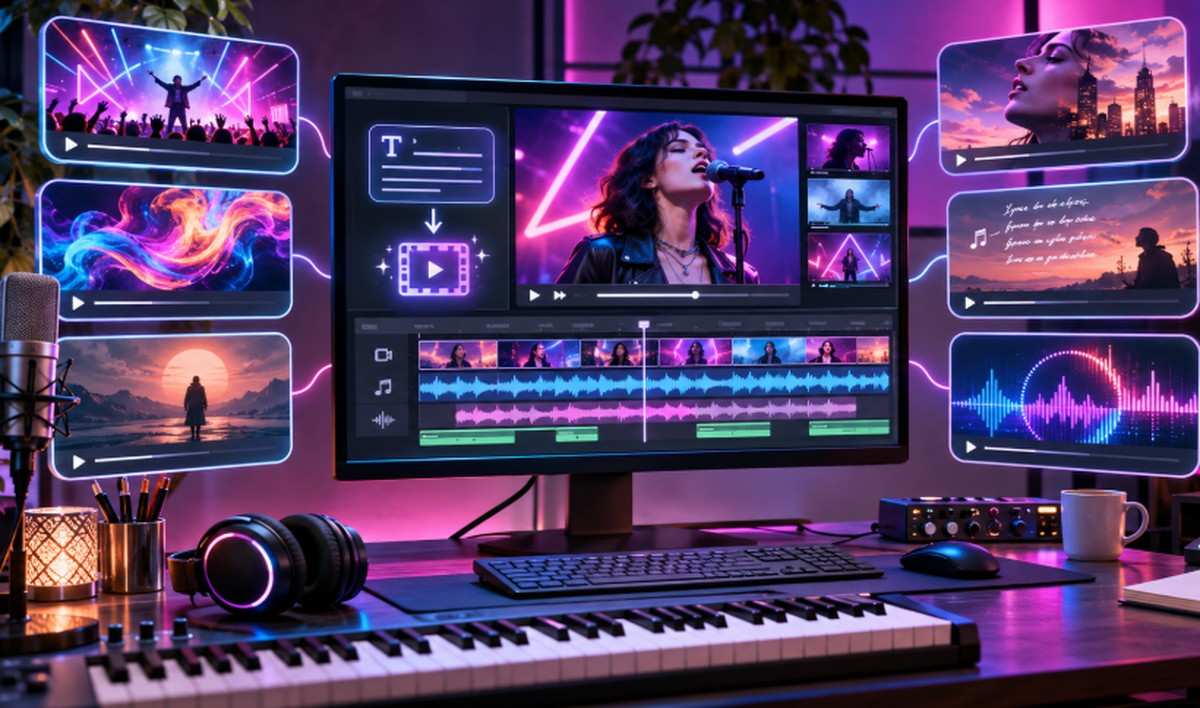

Creating a music video no longer requires a large production crew, expensive equipment or hours of manual animation. AI video tools let musicians describe their ideas in text prompts and turn them into moving visuals.
Some platforms can build complete videos around uploaded songs, while others focus on generating individual scenes, animated effects or cinematic clips.
Whether you’re an independent musician, producer or content creator, these six AI tools can help you bring your music video ideas to life.
Quick Comparison of the Best AI Music Video Tools
| Tool | Best For | Key Strength |
|---|---|---|
| invideo | Complete music video creation | AI agents and an editable timeline |
| Kaiber | Artistic music videos | Music-guided video sequences |
| Neural Frames | Audio-reactive visuals | Music-based animation |
| Freebeat AI | Automated music videos | Song-to-video workflows |
| Runway | Cinematic music visuals | Text-to-video generation |
| Pika | Creative music clips | Visual effects and animation |
1. invideo: Best for Complete AI Music Video Creation
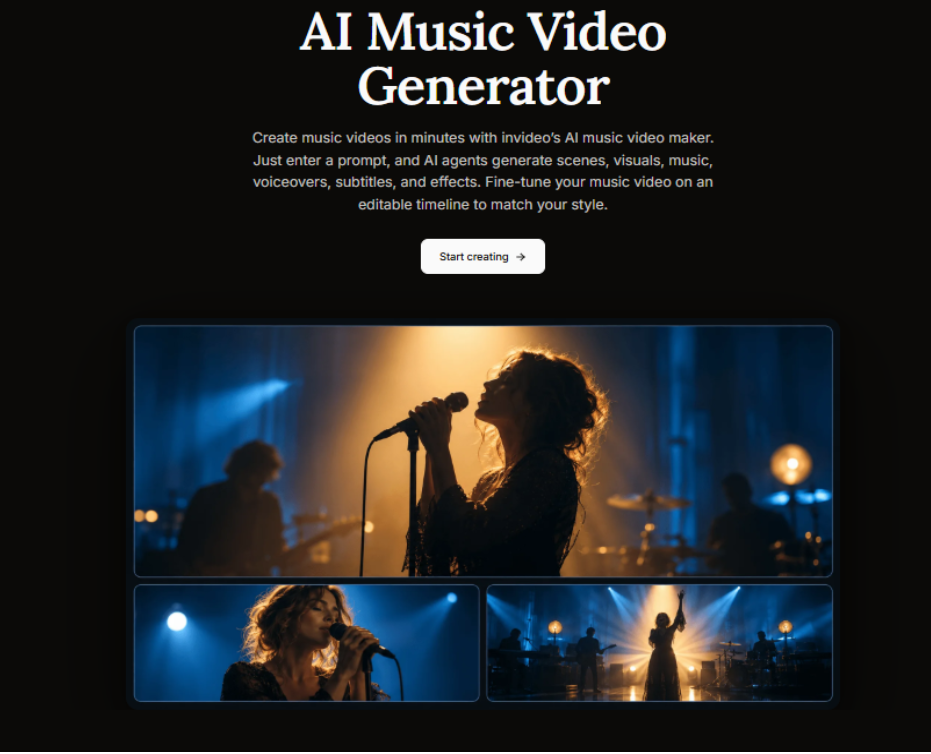
invideo is a powerful AI video creation platform that helps musicians turn creative ideas into complete music videos. Its music video maker lets users describe their concept in text prompts, while AI agents generate scenes, visuals, music, voiceovers, subtitles and effects.
Creators can upload their own songs, images and performance footage, then describe the setting, lighting, mood and visual style they want. The platform can generate imagined scenes, assemble performance recordings or combine both into one music video.
One of invideo’s biggest strengths is its editable multitrack timeline. Creators can keep their original song as the main audio track, adjust individual shot lengths and change the pacing between sections. A slow verse can use longer shots, while an energetic chorus can use quicker transitions.
The platform also supports storyboarding, AI-assisted scriptwriting and real-time collaboration. Through invideo MCP, creators can connect compatible AI assistants to generate or arrange scenes with chat instructions. They can even build custom agents for tasks such as cinematography, editing and sound design.
invideo works well for performance videos, visual storytelling and short music-release teasers. Finished videos can be exported for YouTube, Instagram, TikTok and other platforms.
Key features:
- Text-to-video generation with AI agents
- Upload songs, images and performance footage
- Editable timeline with scene timing and audio controls
- Storyboarding, collaboration, custom agents and MCP support
Best for: Musicians, independent artists and creators who want complete music video production with editing control.
Limitation: Shot changes may need manual adjustments to match the song’s rhythm precisely.
2. Kaiber: Best for Artistic Music Video Creation
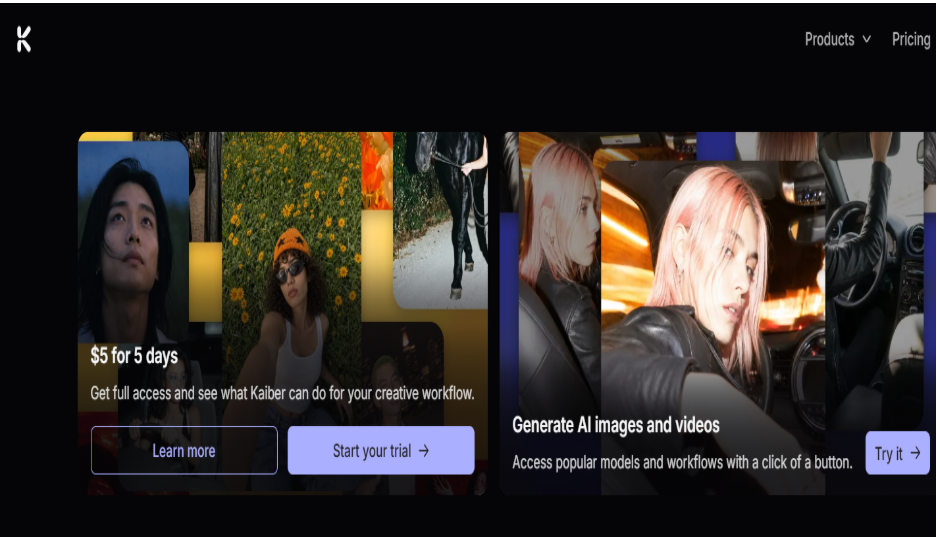
Kaiber is an AI creative platform for musicians who want visually expressive music videos. Its Music Video Sequence workflow analyzes an uploaded song and generates scenes that follow its structure and mood.
Creators can write text prompts describing characters, locations, actions and artistic styles. Kaiber then uses these instructions to build visual sequences that complement the music.
The platform offers Generate, Reference and Restyle modes. Generate creates visuals from the audio and description, while the other two modes use reference images to guide the results.
Kaiber supports video sequences from 30 seconds to four minutes, with different aspect ratios and quality settings. Its flexible visual styles make it a good fit for electronic music, experimental releases and animated storytelling.
Key features:
- Music Video Sequence based on uploaded audio
- Text prompts for characters, actions and locations
- Generate, Reference and Restyle modes
- Multiple aspect ratios and video-length options
Best for: Musicians, digital artists and creators exploring stylized music videos.
Limitation: Character appearance and scene details can vary across generated clips.
3. Neural Frames: Best for Audio-Reactive Music Videos
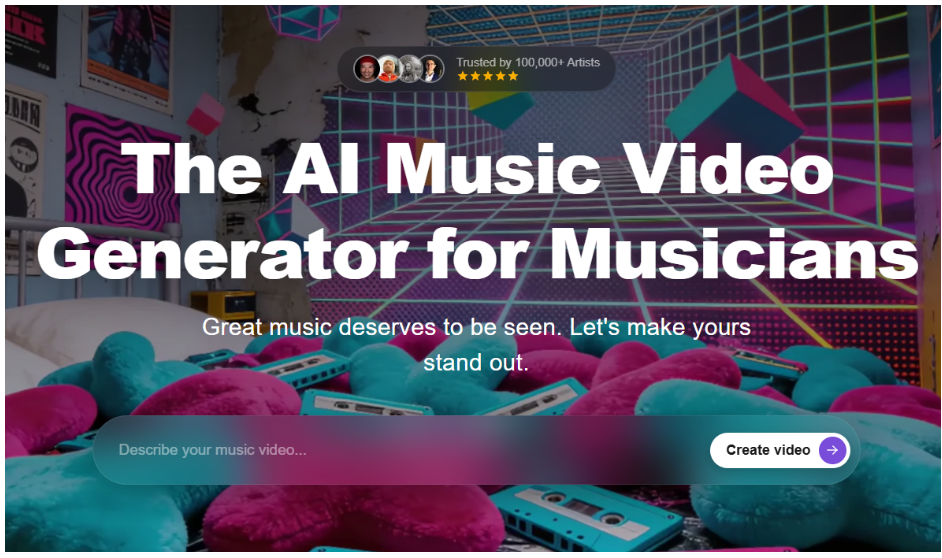
Neural Frames is an AI video generator built around music-driven animation. Users upload audio tracks and generate visuals that respond to the sound and structure of their music.
Its Autopilot workflow helps creators build music videos with AI-generated scenes and prompts. The platform can analyze songs, extract lyrics and suggest visual concepts that suit the track. Creators can also adjust individual scenes, experiment with artistic styles and control how visuals appear throughout the video.
Neural Frames is especially useful for electronic music, ambient tracks and abstract visual experiences where animation plays a central role.
Musicians who need artwork before animating can also explore our OpenDream AI guide, which covers generating images from text prompts.
Key features:
- Audio-reactive AI video generation
- Autopilot for music video workflows
- Automatic visual prompt creation
- Scene and artistic style adjustments
Best for: DJs, electronic musicians and creators producing abstract music visuals.
Limitation: Detailed control over specific scenes may require extra manual adjustments.
4. Freebeat AI: Best for Automated Song-to-Video Creation
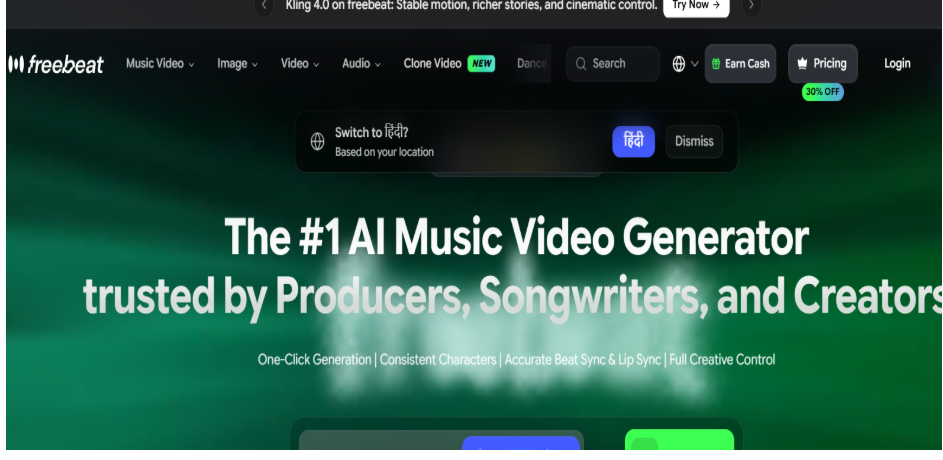
Freebeat AI is a music video generation platform that turns songs into visual content. Creators can upload audio or paste supported music links, then describe their preferred visual direction in text prompts. The platform analyzes the music and generates video sequences that follow the track’s mood and structure.
Creators can experiment with different styles, including storytelling, abstract animation and singing performances. Prompts can describe locations, colors, atmosphere and character appearance.
Freebeat is especially useful for independent musicians who want music videos, promotional clips and visual content without handling every editing step manually.
Key features:
- Music upload and supported audio links
- Prompt-based visual generation
- Storytelling and abstract video styles
- AI-assisted music and visual synchronization
Best for: Independent artists and creators who prefer automated music video workflows.
Limitation: Automatic generation can offer less control over individual shot timing and composition.
5. Runway: Best for Cinematic Music Video Scenes
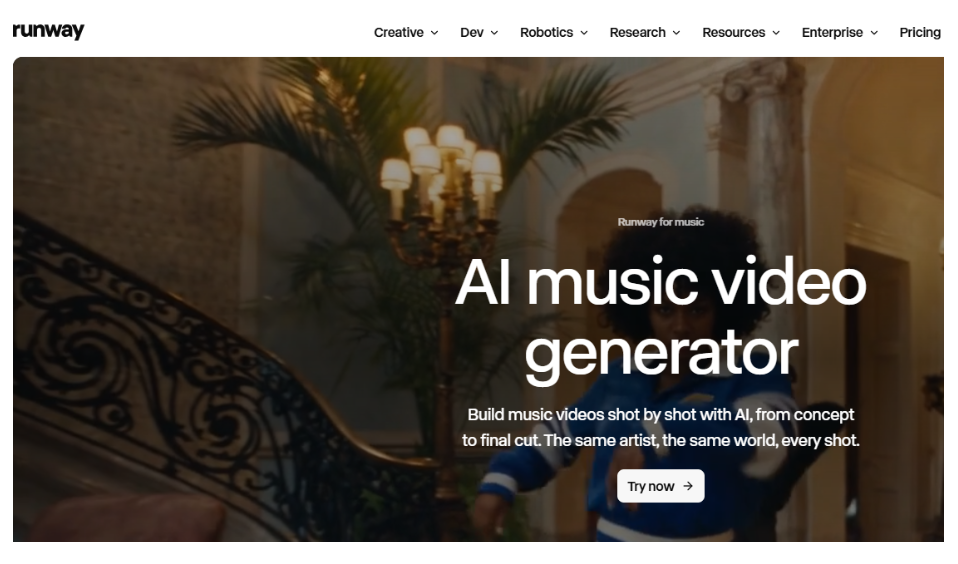
Runway is an AI video creation platform that helps artists generate cinematic footage from written instructions. It is useful for creating individual scenes that later become part of a complete music video.
Creators can describe characters, environments, actions, lighting and camera movements, and the platform generates video clips from those instructions. Runway’s video models handle detailed prompts well, which makes them suitable for dream sequences, performance-inspired visuals, dramatic landscapes and other creative scenes.
Its image-to-video tools also let creators animate existing artwork or reference images. This adds control when a music video needs a specific character or visual style.
Key features:
- Text-to-video and image-to-video generation
- Detailed scene and camera instructions
- Cinematic visual effects and lighting
- Reference images to guide video creation
Best for: Filmmakers, music video directors and creators producing cinematic scenes.
Limitation: Generated clips usually need to be arranged and synced with the music in a separate editing tool.
6. Pika: Best for Creative Short Music Clips
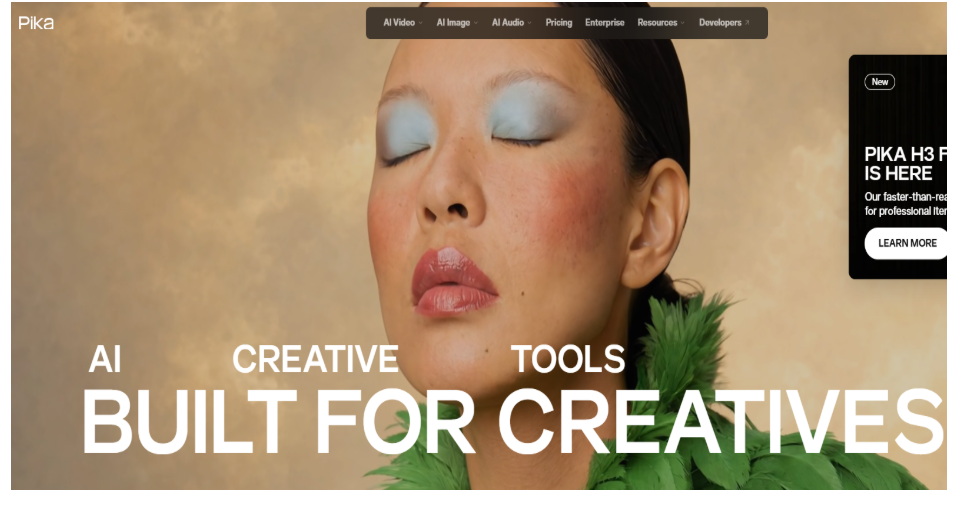
Pika is an AI video generator for creating expressive visual content from text prompts and images. It is useful for musicians who want animated clips, music teasers and short promotional videos.
Creators describe a character, action, environment or visual effect, then generate a short sequence based on those instructions. Pika also offers creative effects that transform subjects and add unusual movement, so artists can experiment with styles that match their music’s mood.
The platform is particularly suitable for social media promotions, visual experiments and short scenes that can be combined into longer music videos.
Key features:
- Text-to-video generation
- Image animation and visual references
- Creative effects and transformations
- Short-form video creation
Best for: Musicians, social media creators and artists producing short music clips.
Limitation: Complete music videos may require multiple generated clips and additional editing.
How to Choose the Right AI Music Video Tool
The right platform depends on whether you want a complete music video or individual creative clips:
- For complete music videos with editing control: invideo combines text-based generation, uploaded songs, AI agents and detailed timeline editing.
- For artistic and music-responsive visuals: Kaiber and Neural Frames are strong choices.
- For automated song-to-video workflows: Freebeat AI.
- For cinematic scenes: Runway.
- For short creative clips: Pika.
Before choosing, compare music upload support, visual consistency, editing controls, export options and overall production costs. Our AI agent platforms comparison also explains how AI agents can handle tasks across different creative and business workflows.
Conclusion
AI music video tools make it easier for artists to create visual content without relying entirely on traditional filming and editing.
invideo stands out for combining AI-generated scenes, music-focused editing and a fully editable timeline. Kaiber, Neural Frames, Freebeat AI, Runway and Pika offer different options for music-driven animation and creative video generation.
The right tool depends on your song, visual ideas, budget and editing needs.
Frequently Asked Questions
Can AI create a music video from a text prompt?
Yes. AI tools can generate music video scenes from written descriptions. Some platforms also support uploaded songs and let creators arrange visuals around the music.
Which AI tool is best for making complete music videos?
invideo is a strong choice for combining AI-generated scenes, uploaded tracks and timeline editing. Kaiber and Freebeat AI also offer music-focused video creation workflows.
Can I create a music video without recording footage?
Yes. AI video generators can create characters, environments and animated scenes from text prompts, so you can build a music video without filming any original footage.
Can I upload AI-generated music videos to YouTube?
Yes, as long as you have the necessary rights to the music and visuals. Review the platform’s commercial-use terms and YouTube’s policies before publishing.