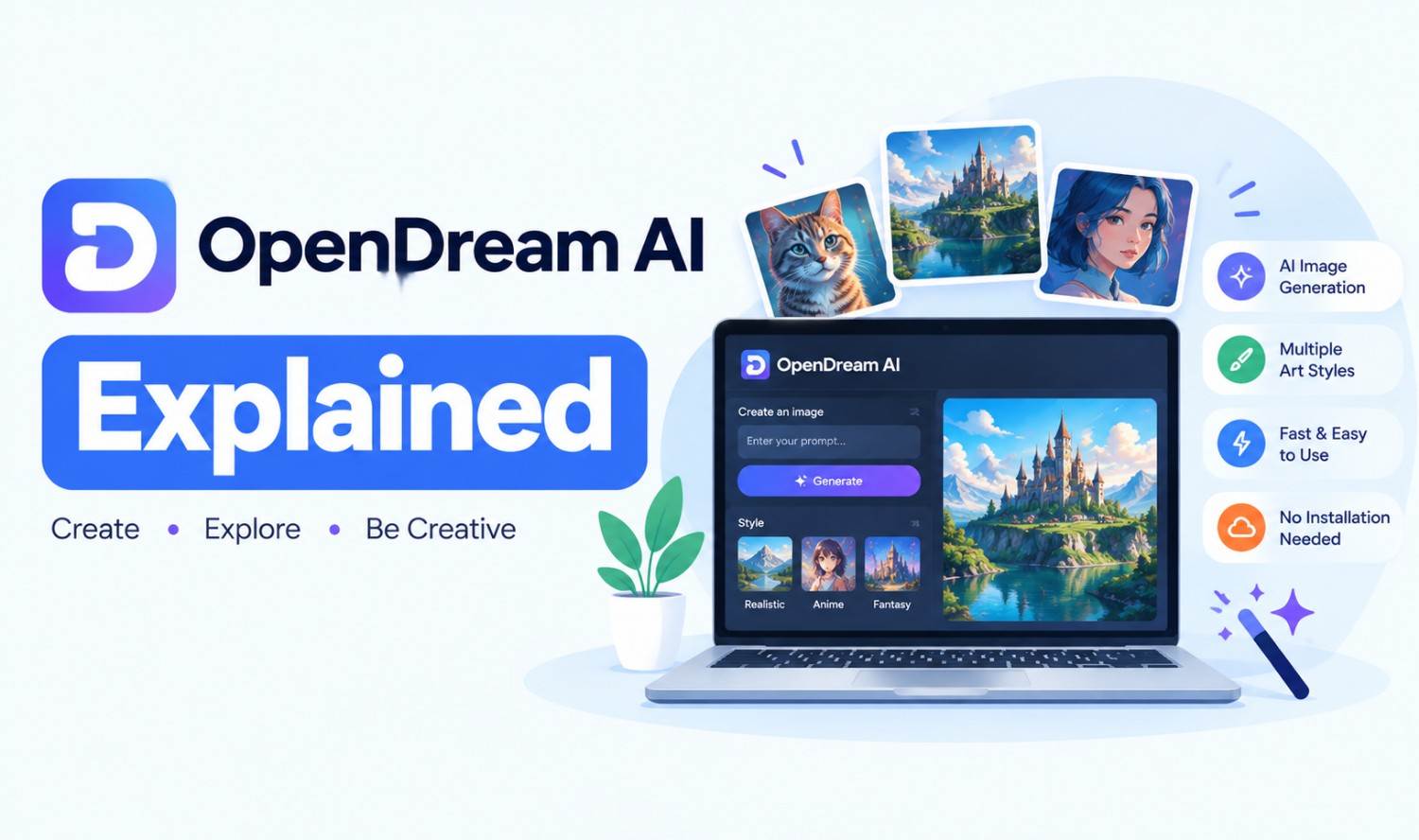

OpenDream AI is a browser-based AI art generator that turns text prompts into images using Stable Diffusion models. It describes itself as “a free AI Art Generator where everyone can become a digital artist.” You can use it free with daily credits, or pay for a monthly plan that adds more credits and all four of its models.
This guide explains what OpenDream is, which models it uses, how its features and credits work, what the plans cost, what the rules are for commercial use and copyright, and how it compares with other AI image tools. All plan details come from OpenDream’s official website, checked in October 2026.
Key Takeaways
- What it is: A web-based AI image generator built on Stable Diffusion models.
- 4 models: Dreamlike Photoreal 2.0, Dreamlike Anime 1.0, Stable Diffusion 2.1 and Deliberate.
- Free plan: 24 credits a day, and each image uses 2 credits.
- Paid plans: Core costs $12/mo and Pro costs $24/mo.
What Is OpenDream AI?
OpenDream AI is an online tool for creating AI-generated images from written descriptions. It runs in your web browser, so there’s nothing to download and no graphics card needed. According to its About Us page, it was built “to make graphic design accessible to everyone, regardless of their experience level.”
Here’s what the official site shows:
| Detail | What OpenDream’s Site Shows |
|---|---|
| Type of tool | Web-based AI art generator |
| Technology | Stable Diffusion models |
| Models | 4 (2 free, 4 on paid plans) |
| Free plan | Yes, 24 credits per day |
| Paid plans | Core ($12/mo) and Pro ($24/mo) |
| Main features | Text-to-image, templates, styles, image variations, public gallery |
| Company details | No legal company name, founder or location listed |
| Website | opendream.ai |
People also search for “open dream” and “open dream AI.” These refer to the same image generator at opendream.ai.
OpenDream AI Models
OpenDream offers four AI models, and the one you choose shapes the style of your image. Two models are available on the free plan, and paid plans include all four. Each model is based on Stable Diffusion, an open-source image generation technology, but each one is tuned for a different kind of result.
| Model | Best For | Plan |
|---|---|---|
| Dreamlike Photoreal 2.0 | Realistic, photo-style images | Free and paid |
| Dreamlike Anime 1.0 | Anime and illustrated styles | Free and paid |
| Stable Diffusion 2.1 | General-purpose images | Paid |
| Deliberate | Detailed, stylized artwork | Paid |
The homepage says paid subscribers get all four models and “additional special features.” It doesn’t list what those extra features are.
These models are older than many newer image generators, so results can vary, especially with faces, hands and text inside images. Testing a few prompts on the free plan is the easiest way to see whether the style fits your needs.
OpenDream AI Art Features
OpenDream AI art features focus on making image generation simple. You type a prompt, pick a model or template, adjust a few settings and generate. The official guide describes templates, styles, negative prompts, aspect ratios and the ability to upload an image to create variations of it.
Main features from OpenDream’s official guide:
- Text-to-image: Describe what you want, and the tool creates matching images.
- Templates: Pre-made setups you can select as a starting point.
- Styles: Preset prompts and negative prompts that you can customize.
- Negative prompts: A list of things you don’t want in the image. The guide calls it “the opposite of the prompt.”
- Aspect ratio: Choose the frame shape for your use, such as portrait, square or wide.
- Image variations: Upload an existing image to generate several variations of it.
- Gallery: Browse images created by other users for ideas.
The guide also suggests sizes such as 576×768 for portraits, 512×512 for logos and 768×576 for wide scenes. It advises keeping at least 512 pixels on one side to reduce visual errors.
OpenDream Pricing
OpenDream has three plans: a free plan, Core at $12 per month and Pro at $24 per month. Each plan gives you credits, and every image costs credits to generate. OpenDream’s FAQ says one image uses 2 credits, while four images use 8. Annual plans get a 20% discount.
| Plan | Price | Credits | Notes from the Official Plans Page |
|---|---|---|---|
| Free | $0 | 24 per day | Low priority generation, 1 parallel generation, queue up to 5 images, limited settings |
| Core | $12/mo | 3,000 per month | “Use images commercially” listed |
| Pro | $24/mo | 12,000 per month | Most credits |
At 2 credits per image, the free plan covers about 12 images a day. The Core plan covers about 1,500 images a month, and Pro covers about 6,000.
OpenDream’s refund policy is strict. Its FAQ says refunds are only provided if you haven’t used credits or have used less than 2% of the credits in the plan you paid for. Check the official plans page before you subscribe, since prices and limits can change.
How to Use OpenDream AI
Using OpenDream AI takes a few minutes. You create an account, choose a template or start from scratch, write your prompt, adjust the settings and click “Let’s dream” to generate images. The steps below follow OpenDream’s official guide, with a few practical tips added.
- Create an account: Go to opendream.ai and sign up.
- Pick a template (optional): Select a template if you want a ready-made starting point.
- Write your prompt: Describe the subject, setting, style and lighting in plain words.
- Add a negative prompt: List things to avoid, such as “blurry” or “extra fingers.”
- Choose a model: Pick Photoreal for realistic images or Anime for illustrated styles.
- Set the aspect ratio: Match the shape to where you’ll use the image.
- Generate: Click “Let’s dream” and review the results.
A clear, specific prompt usually works better than a short one. “A cozy coffee shop at sunset, warm lighting, watercolor style” gives the model more to work with than “coffee shop.”
Can You Use OpenDream Images Commercially?
OpenDream’s plans page lists “Use images commercially” under its Free and Core plans, but not clearly under Pro, so confirm with OpenDream before relying on it. Commercial use and copyright are also different questions. Even when a tool allows commercial use, US copyright law may not protect AI-generated images.
The US Copyright Office’s guidance, effective March 16, 2023, says “copyright can protect only material that is the product of human creativity.” Applicants must disclose AI-generated content that is more than minimal when registering a work.
In January 2025, the Office released Part 2 of its report on AI and copyright. It concluded that “the mere provision of prompts” isn’t enough to make someone the author of an AI image. However, human creative changes or arrangements of AI output can be protected.
What this means in practice:
- Commercial use: Check OpenDream’s current plan terms before using images in products or ads.
- Ownership: A prompt alone usually won’t give you copyright in the image.
- Human edits: Significant creative changes you make yourself may be protected.
- Brand assets: For logos or key brand images, get advice from an intellectual property attorney.
Is OpenDream Safe and Legit?
OpenDream appears to be a working AI image generator with real plans, credits and an official guide. However, it shares little information about who runs it. The site doesn’t list a legal company name, founder, location or contact email, and its footer still shows a 2023 copyright. Treat it like any lightly documented online service.
What we noticed on the official site:
- No company details: The About Us page names no legal entity, founder or address.
- Contact: Only a contact page link, with no email or phone listed.
- Old copyright: The footer says “Copyright © 2023 – opendream.ai.”
- Unrelated footer links: The footer includes links to unrelated websites.
- Disclaimer: The site says, “We do not sell photos and are not responsible for user-generated photos.”
Practical safety tips:
- Use a unique password: Don’t reuse passwords from other accounts.
- Start free: Test the free plan before paying.
- Know the refund rules: Refunds are limited once you use more than 2% of your credits.
- Avoid sensitive uploads: Don’t upload private photos or images of other people without permission.
We took a similar look at another AI image site in our Gramhir.pro fact-check.
OpenDream vs Other AI Image Generators
OpenDream is one of many AI image generators, and newer tools from larger companies offer different strengths. ChatGPT, Google Gemini and Adobe Firefly all generate images, and each has a free option. The right choice depends on whether you care most about price, image style, text in images or commercial safety.
| Tool | What the Official Site Says | Free Option |
|---|---|---|
| OpenDream | Stable Diffusion-based art generator with 4 models and templates | Yes, 24 credits per day |
| ChatGPT Images | Built into ChatGPT, with accurate text rendering in images | Yes, image generation rolled out to Free users |
| Google Gemini | Nano Banana 2 creates and edits images in Gemini | Yes, Nano Banana 2 is free |
| Adobe Firefly | Models “trained on licensed content from Adobe Stock and public domain content” | Yes, free daily generations |
A few differences stand out:
- Simplicity: OpenDream’s templates and styles make it easy for beginners.
- Text in images: OpenAI highlights ChatGPT’s ability to render readable words in images.
- Commercial safety: Adobe describes Firefly’s models as “commercially safe.”
- Editing: Google says Gemini can “edit photos into countless new creations.”
OpenDream Name Confusion
Several unrelated businesses and articles use similar names, which causes confusion in search results. The OpenDream AI art generator lives at opendream.ai. Other sites and guides that mention “OpenDream” or “Open Dream” may describe completely different products, so check the domain before you sign up.
Common mix-ups:
- opendream.club: An online store selling eyewear in Colombia. It isn’t related to AI art, and its site doesn’t show a blog or funding information.
- Mismatched guides: Some articles describe “OpenDream AI” as a business tool for language processing or predictive analytics. That doesn’t match the image generator at opendream.ai.
- Look-alike sites: Only trust the official domain when creating an account or paying.
Frequently Asked Questions
What is OpenDream AI?
OpenDream AI is a browser-based AI art generator at opendream.ai. It uses Stable Diffusion models to turn text prompts into images and offers a free plan plus paid monthly plans.
Is OpenDream AI free?
Yes. The free plan gives you 24 credits per day, and each image uses 2 credits, so you can create about 12 images daily. Free generation has lower priority and limited settings.
How much does OpenDream cost?
OpenDream’s Core plan costs $12 per month for 3,000 credits, and the Pro plan costs $24 per month for 12,000 credits. Annual plans get a 20% discount.
What models does OpenDream use?
OpenDream offers four models: Dreamlike Photoreal 2.0, Dreamlike Anime 1.0, Stable Diffusion 2.1 and Deliberate. Free users get the two Dreamlike models, and paid users get all four.
Can I use OpenDream images commercially?
OpenDream’s plans page lists commercial use under its Free and Core plans. Confirm current terms before commercial use, since US copyright law may not protect images created from prompts alone.
Who owns images made with OpenDream?
Under US Copyright Office guidance, copyright only protects human creativity, and prompts alone aren’t enough to make you the author. Human creative edits to an AI image may be protected.
Is opendream.club the same as OpenDream AI?
No. opendream.club is an online eyewear store in Colombia. The OpenDream AI art generator is at opendream.ai.