

Social media marketing requires a steady flow of videos to keep audiences interested. However, creating fresh content for Instagram, TikTok, YouTube and LinkedIn takes time, especially for businesses with small marketing teams.
Text-to-video AI tools make video creation easier by turning written prompts, scripts and ideas into visual content. These platforms can generate scenes, add voiceovers, suggest visuals and help marketers produce videos without filming everything from scratch.
Here are six text-to-video AI tools that can help businesses create social media content in 2026.
Text-to-Video AI Tools at a Glance
| Tool | Best For | Standout Feature |
|---|---|---|
| invideo | Original AI-generated videos and ads | Multiple AI models, AI agents and up to 4K output |
| Pictory | Turning blog posts and scripts into videos | Automatic scene creation from text or URLs |
| Fliki | Multilingual narrated videos | AI voices in 80+ languages |
| Lumen5 | Repurposing articles into branded videos | Branded templates for business content |
| VEED | Generating and editing in one place | Browser-based editor with subtitles and translation |
| Canva | Branded social media designs | AI clips combined with Canva design tools |
1. invideo
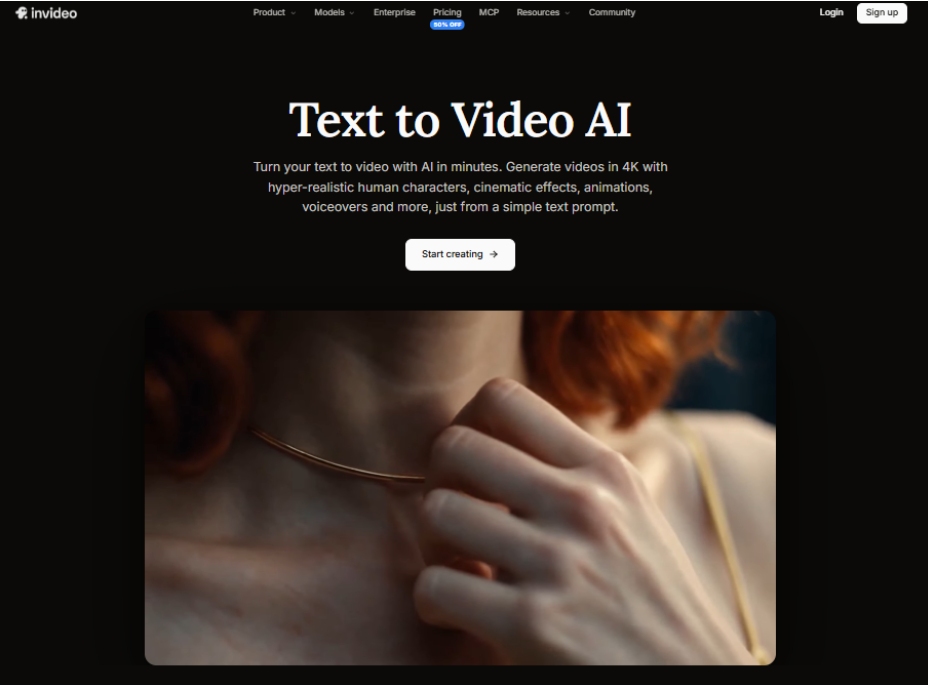
Best for: Creating AI-generated social media videos, product ads and cinematic content from text prompts.
invideo is an AI video creation platform that helps marketers turn written ideas into videos without traditional filming. Its Text to Video generator lets users describe scenes, characters, movements and visual styles, while AI generates videos with realistic visuals, animation, voiceovers and music.
The platform offers access to AI models such as Seedance 2.5, Gemini Omni Flash, Veo 3.1, Kling and MiniMax. These models support cinematic scenes, realistic characters, natural motion and synchronized audio. Depending on the model, creators can generate clips at up to 4K resolution.
invideo also supports AI avatars, UGC-style ads, product promotions and short-form social media content. Its AI agents can work from scripts and creative briefs, generate clips and arrange them on an editable timeline. Users can then review scenes, refine the video and export it.
Additional features include AI-assisted scriptwriting, storyboarding, custom agents for creative tasks and real-time team collaboration. These make invideo especially useful for marketers who want original AI-generated videos while keeping creative control.
Key features:
- Text-to-video generation with multiple AI models
- Cinematic visuals and clips at up to 4K resolution
- Realistic AI characters, voiceovers and music
- AI agents with editable timelines
- Storyboarding and scriptwriting support
- Real-time collaboration and custom AI agents
Where it falls short: Higher-resolution generation and advanced models may require additional credits, depending on the plan.
2. Pictory
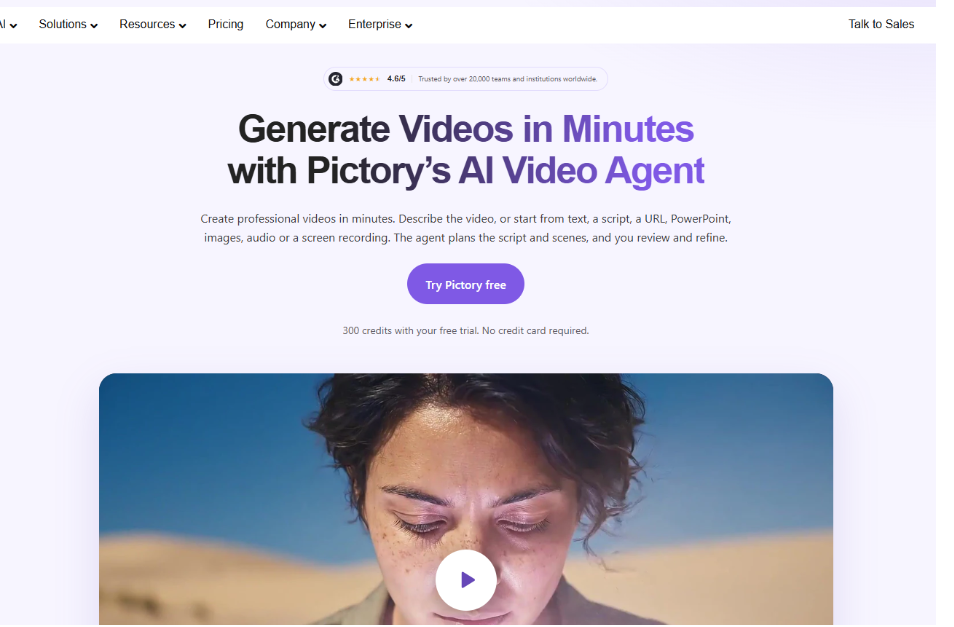
Best for: Turning blog posts, scripts and written content into social media videos.
Pictory is an AI video creation tool designed to help marketers repurpose existing content. Users can enter a script, upload a document or paste a blog URL to create videos with relevant visuals, captions and narration.
The platform automatically organizes written content into scenes and matches them with footage or images. Marketers can replace visuals, change scene timing and customize the video before exporting.
Pictory also supports AI voiceovers, automatic captions and brand kits. These features suit businesses that regularly publish educational articles, product guides or industry updates. For social media, Pictory works well for turning longer written content into short, informative videos for LinkedIn, Instagram and YouTube.
Key features:
- Converts scripts, articles and documents into videos
- Automatic scene creation and visual matching
- AI voiceovers and subtitles
- Text-based video editing
- Brand kits and team collaboration
Where it falls short: Automatically selected visuals may need manual changes to match a specific brand message or creative style.
3. Fliki
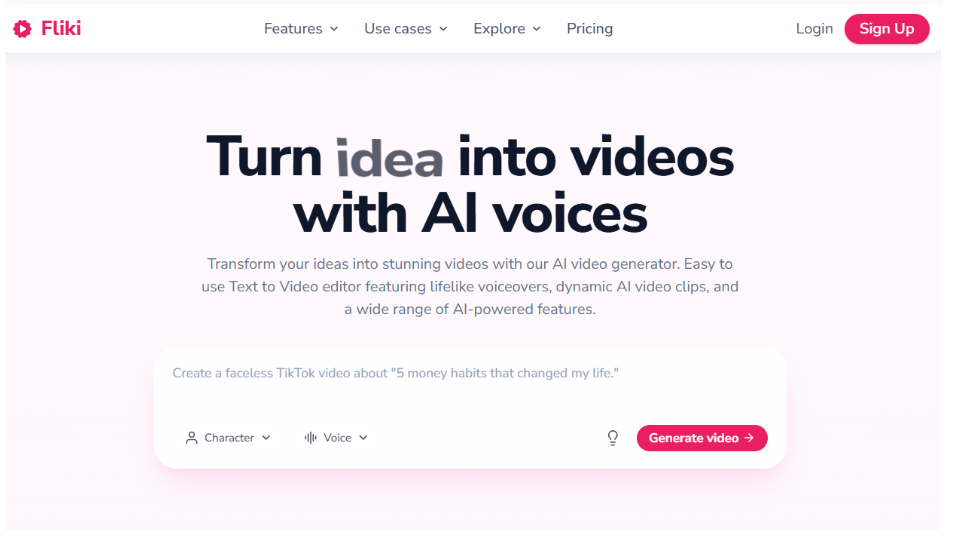
Best for: Creating multilingual social media videos with AI-generated narration.
Fliki combines text-to-video creation with AI voice generation. Marketers can enter a script, describe an idea or share a blog URL to create videos with visuals, narration, captions and background music.
The platform offers a large library of AI voices in more than 80 languages, which makes it useful for businesses targeting audiences in different regions. It also supports AI avatars and tools for editing generated videos. Users can adjust the narration, change visuals, customize captions and choose the right video format for each social channel.
Fliki is particularly useful for educational content, product explainers, narrated ads and social videos where clear voiceovers matter. Its straightforward workflow also makes it accessible to marketers with limited editing experience.
Key features:
- Text, script and blog-to-video creation
- Multilingual AI voice generation
- AI avatars and voice cloning
- Automatic captions and background music
- Social media video formats
Where it falls short: Videos built with automatically matched stock visuals may need extra customization to look unique.
4. Lumen5
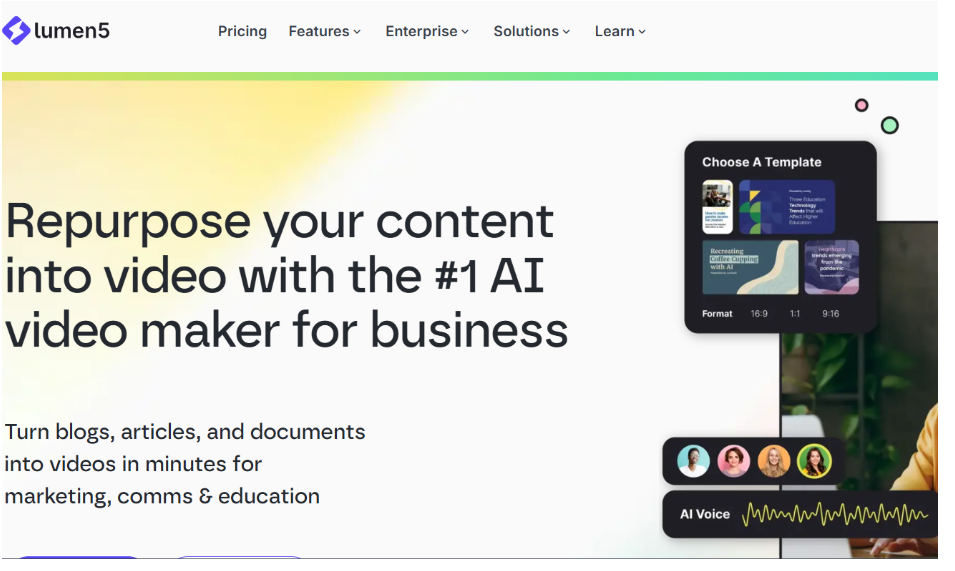
Best for: Repurposing business articles and marketing content into branded videos.
Lumen5 is an AI video platform focused on helping businesses turn written content into visual stories. Marketers can transform blog posts, articles and documents into videos using automated scene creation and customizable templates.
The platform organizes written information into scenes and pairs it with suitable images, footage and text layouts. Users can adjust the content, replace visuals and add music to prepare videos for social media.
Lumen5 also offers brand customization, reusable templates and collaboration features, which help businesses keep a consistent visual identity across campaigns. For social media teams, it’s useful for turning company updates, educational articles, industry insights and thought leadership content into videos.
Key features:
- Blog and article-to-video conversion
- AI-assisted scriptwriting and scene creation
- Branded templates and design customization
- Stock media library
- Team collaboration tools
Where it falls short: Its template-based workflow may be less suitable for marketers who want detailed control over original AI-generated cinematic scenes.
5. VEED
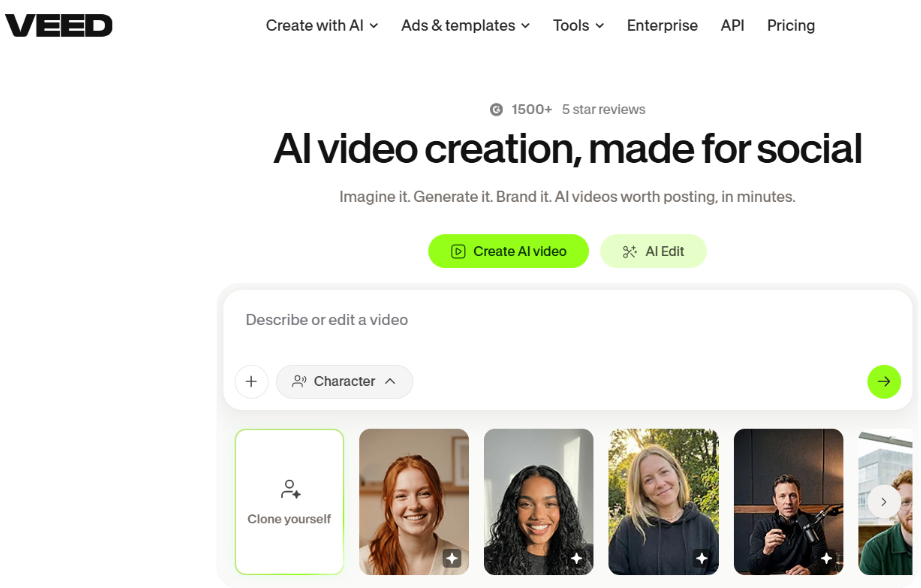
Best for: Generating and editing social media videos in one browser-based workspace.
VEED combines AI video generation with online editing. Users can create videos from written prompts and work with AI-generated visuals, avatars, voiceovers and other media elements. The platform also includes tools for trimming clips, adding text, generating subtitles and preparing content for different social platforms.
For marketing teams, this combination helps when videos need several rounds of changes before publishing. Users can generate content, edit scenes, add captions and update the overall presentation in the same workspace.
VEED also supports video translation and AI voice features, making it useful for businesses producing promotional content for different audiences.
Key features:
- AI text-to-video generation
- AI avatars and voiceovers
- Automatic subtitles and translation
- Browser-based video editing
- Social media templates and resizing tools
Where it falls short: Some advanced AI generation and editing features require a paid plan or additional credits.
6. Canva
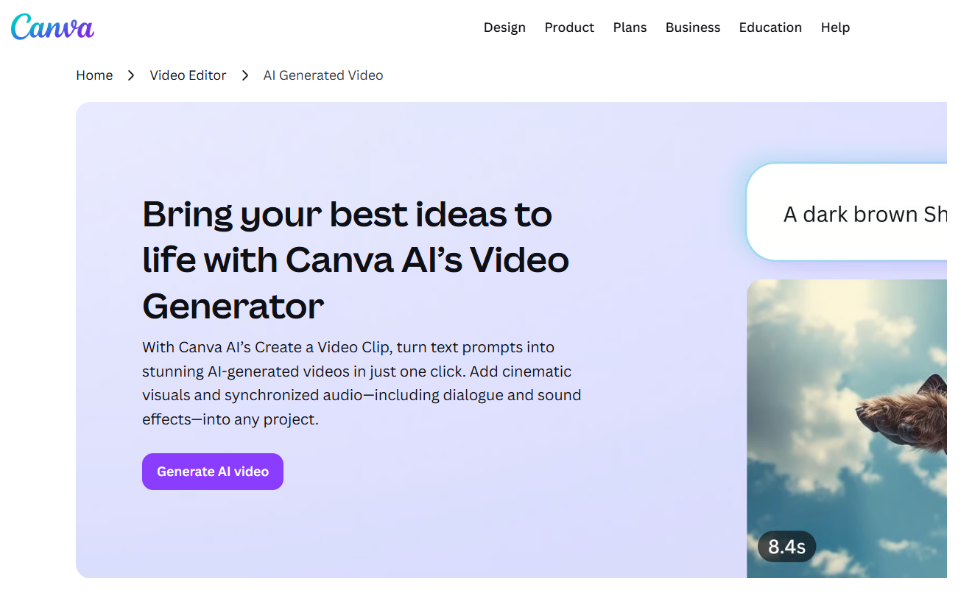
Best for: Creating AI-generated video clips with branded social media designs.
Canva combines AI video generation with its existing design and video editing tools. Users can describe a scene in a written prompt and generate short video clips with visuals and audio. These clips can then be added to Canva designs, where marketers can include text, graphics, logos and other brand elements.
The platform provides ready-made templates for social media ads, promotional posts and business videos. Users can also trim footage, adjust layouts and prepare content for different channels.
Canva is particularly useful for small businesses and marketing teams that already create social graphics on the platform. It lets them combine AI-generated footage with familiar design tools without switching between apps.
Key features:
- AI video generation from text prompts
- Short video clips with audio
- Social media video templates
- Brand fonts, colors and graphics
- Video editing and resizing tools
Where it falls short: Prompt-based generation focuses mainly on short clips, so longer videos may need extra editing and scene arrangement.
How to Choose the Right Text-to-Video AI Tool
The right platform depends on your marketing goals, content type and editing needs:
- For original AI-generated scenes, cinematic videos and creative ads: invideo offers a strong mix of video models, AI agents and timeline editing.
- For repurposing written content: Pictory and Lumen5 are the better fit.
- For multilingual narration: Fliki works well.
- For combining AI generation with everyday editing: VEED is a practical choice.
- For branded social media designs: Canva suits businesses already using it.
Businesses should also consider how AI fits into their existing workflows. Our guide to the best AI agent platforms covers tools that can support other business tasks beyond video.
Brand consistency is another important factor. Creating videos from clear instructions, approved messaging and brand guidelines improves the results. The principles covered in AI business context refinement are useful when preparing information for AI-driven content workflows.
Finally, marketers should review AI-generated videos before publishing. Incorrect details, strange visuals or unclear messages can hurt content quality. Understanding common generative AI data challenges helps explain why human review still matters.
Conclusion
Text-to-video AI tools help businesses create social media content without relying entirely on traditional filming and editing. They can support product promotions, educational videos, ads and everyday marketing content.
Each platform has different strengths, from AI-generated cinematic scenes to multilingual narration and content repurposing. Choosing a tool that matches your creative goals, budget and workflow can make social media video production easier and more consistent.
Frequently Asked Questions
What is a text-to-video AI tool?
A text-to-video AI tool converts written prompts, scripts or ideas into video content. Depending on the platform, it can generate scenes, animations, voiceovers, captions and background music.
Can text-to-video AI tools create videos for Instagram and TikTok?
Yes. Many platforms support short-form videos for Instagram Reels, TikTok and YouTube Shorts. Users can adjust video dimensions, captions and other elements to match each platform’s requirements.
Do businesses need video editing experience to use these tools?
Not necessarily. Most AI video tools let beginners create videos from simple prompts or scripts. However, basic editing knowledge helps improve pacing, visuals and the final presentation.
Are AI-generated videos suitable for commercial marketing?
Many AI video platforms support commercial use, but usage rights depend on the provider, model, assets and subscription plan. Businesses should review licensing terms and check generated content before publishing ads.