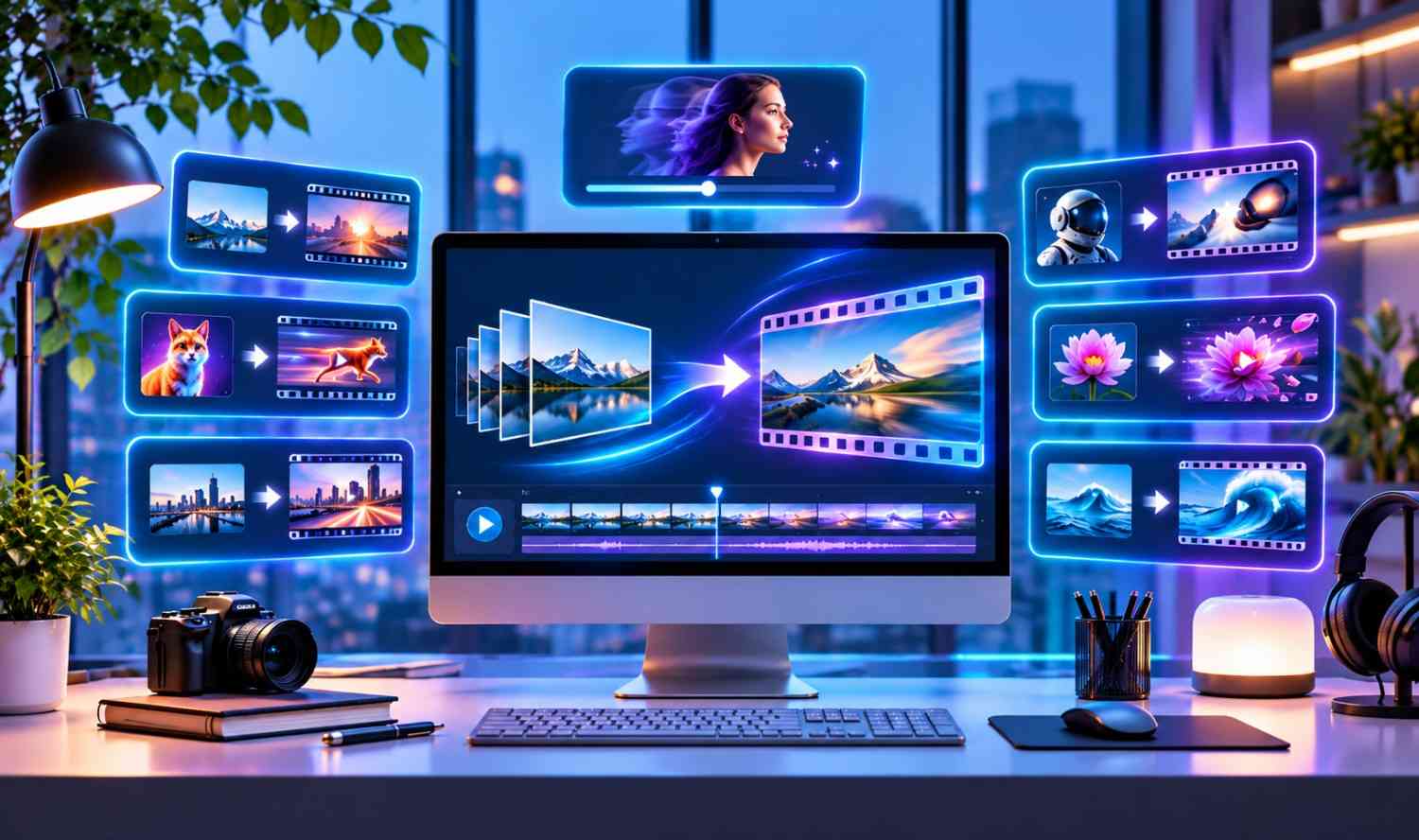

Turning a still image into a video once required animation skills and hours of editing. Today, AI tools can add movement to photos, create camera effects and turn product images into short videos with simple instructions.
These tools help businesses, marketers and creators produce engaging content without filming everything from scratch. However, they differ in motion quality, editing features and creative control.
Here are seven AI image-to-video tools worth exploring in 2027, based on their current capabilities.
Quick Comparison of the Best AI Image-to-Video Tools
| Tool | Best For | Key Strength |
|---|---|---|
| invideo | Complete video production | Multiple AI models and editing |
| Runway | Professional creators | Detailed motion control |
| Pika | Social media content | Creative video effects |
| Luma Dream Machine | Cinematic videos | Camera movement |
| Adobe Firefly | Brand content | Design workflows |
| Canva | Beginners | Simple photo animation |
1. invideo: Best for Complete Image-to-Video Creation
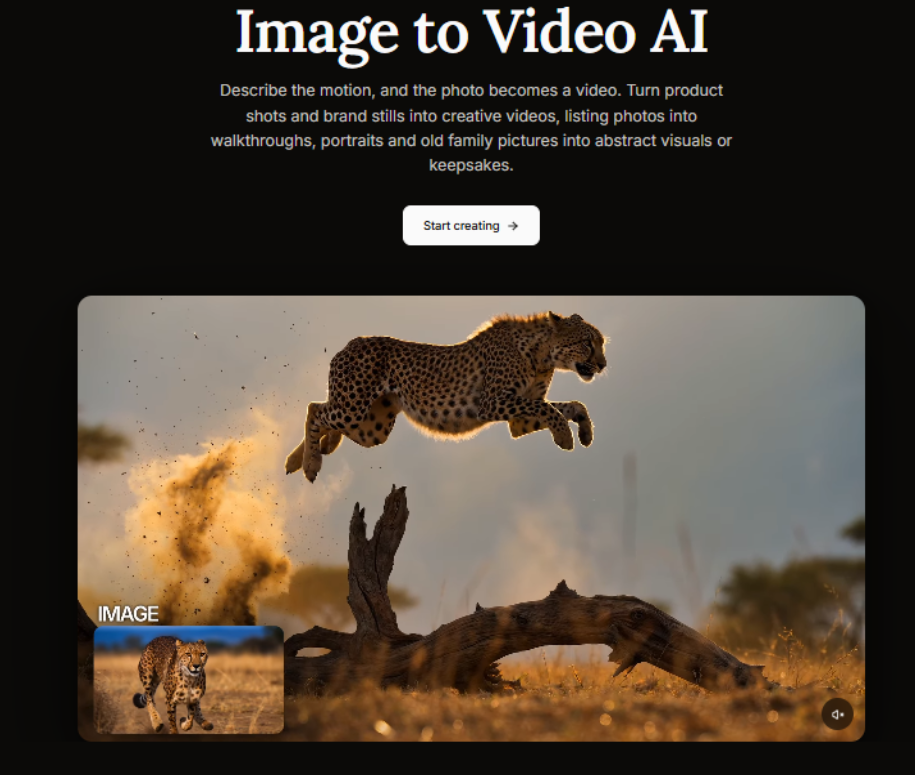
Invideo is a versatile AI video creation platform that helps users turn still images into moving videos. Its Photo to Video tool lets creators upload an image, describe the motion they want and generate a video with their preferred AI model.
Users can upload JPG, PNG or WEBP files, including product photos, portraits, illustrations and real estate images. The platform offers access to models such as Seedance, Kling and Runway, giving creators several options for generating motion.
One of invideo’s strongest features is its ability to keep brand and character references consistent across multiple clips through invideo agent. This is useful for product ads, consistent characters and longer video sequences. Users can also create storyboards, write scripts, edit videos on a timeline and request changes with simple instructions.
invideo supports real-time collaboration and exports in aspect ratios suited to YouTube, Instagram and TikTok. Its free plan also allows limited video creation, which makes it accessible to users exploring AI animation.
Key features:
- Image animation using motion prompts and multiple AI models
- Brand, product and character references across clips
- Storyboarding, scriptwriting and timeline editing
- Collaborative editing and platform-specific exports
Best for: Businesses, marketers and creators who need image animation and complete video production.
Limitation: Video duration and generation options depend on the selected AI model.
2. Runway: Best for Advanced Motion Control
Runway is an AI video generation platform designed for filmmakers, artists and creative professionals. It lets users animate still images with text prompts that describe subject movement, camera direction and scene changes.
Its Gen-4.5 model supports image-to-video generation and can follow detailed instructions for controlled movement. Creators can experiment with camera angles, atmospheric effects and transitions while keeping the original image as a visual reference.
Runway is particularly useful for concept videos, cinematic scenes and creative projects that need precise direction. However, generating several versions can increase credit usage.
Key features:
- Image-to-video generation using text prompts
- Detailed camera and motion instructions
- Multiple AI video models
- Options for refining and extending creative work
Best for: Professional creators, filmmakers and designers.
Limitation: Advanced generation can become expensive when multiple attempts are needed.
3. Pika: Best for Creative Social Media Videos
Pika is an AI video generation tool known for creative animations and visual effects. It lets users turn still images into short clips by describing the movement or transformation they want.
The platform is useful for playful animations, unusual visual effects and attention-grabbing social media content. Users can experiment with different prompts and effects without learning traditional animation software.
Pika works well for creators who value visual creativity over detailed video editing. Its short-form approach suits promotional posts, creative experiments and entertaining clips.
Key features:
- Image-to-video generation
- Creative visual transformations
- Prompt-based animation
- Short-form content creation
Best for: Social media creators and visual content makers.
Limitation: Strong visual effects may change details from the original image.
4. Luma Dream Machine: Best for Cinematic Videos
Luma Dream Machine is an AI video creation platform that turns still images into moving scenes. It focuses on natural motion, camera movement and cinematic results.
Creators can upload images, describe the action and generate clips with movement that suits the scene. The platform works well for turning landscapes, architectural photos and digital artwork into cinematic sequences.
Luma also supports reference-based creation and keyframe workflows, depending on the selected model and tools. These options help creators develop visual ideas and experiment with different movements.
If you need artwork before animating it, our OpenDream AI guide explores another way to create images with AI.
Key features:
- Image-to-video generation
- Cinematic camera movement
- Keyframe and reference options
- Video extension and creative controls
Best for: Filmmakers, artists and visual storytellers.
Limitation: Complex movements can sometimes affect image consistency.
5. Adobe Firefly: Best for Professional Design Workflows
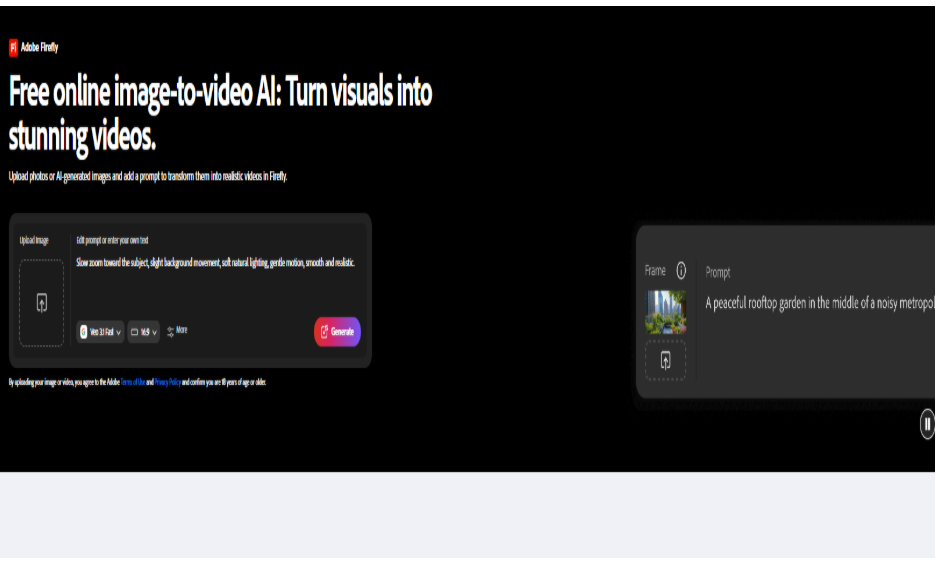
Adobe Firefly helps designers turn still images and illustrations into moving videos with AI. Its video generation features let users combine image references with text instructions to describe the desired movement.
The platform supports starting frames, optional ending frames and camera settings. These features make it useful for branded visuals, advertising concepts and design projects.
Adobe Firefly also fits naturally into workflows that involve other Adobe creative apps. Its own Firefly Video model is designed with commercial use in mind, although licensing terms can differ when using partner models.
Key features:
- AI image-to-video generation
- Text prompts and image references
- Camera and motion settings
- Integration with Adobe creative workflows
Best for: Designers, creative teams and marketing professionals.
Limitation: Advanced features and generation allowances depend on the plan.
6. Canva: Best for Beginners
Canva offers an easy way to turn photos and graphics into short animated videos. Its Image to Video feature helps beginners create movement without learning advanced editing techniques.
Users select an image, choose the animation tool and generate a five-second video. Canva offers Smart mode for automatic motion and Custom mode for describing the movement you want.
The generated clip can be added to Canva designs, presentations or social media content, and combined with text, graphics and templates.
For creators working with photos, our Kaze AI photo editor review covers more photo-editing options.
Key features:
- AI animation for photos and graphics
- Automatic and custom motion modes
- Built-in design and editing tools
- Templates for social media content
Best for: Beginners, small businesses and casual creators.
Limitation: Its AI Image to Video feature generates short, five-second animations.
How to Choose the Right AI Image-to-Video Tool
The right tool depends on your content goals and editing needs:
- To animate images and create complete videos: invideo offers a useful mix of AI models, reference controls and editing features.
- For cinematic projects: Runway and Luma are strong choices.
- For creative effects: Pika works well.
- For professional design workflows: Adobe Firefly fits best.
- For beginners: Canva is the simplest option.
Before choosing, consider video quality, ease of use, available credits, export options and commercial usage rights. You can also explore our AI agent platforms comparison to see how AI-powered workflows support other creative and business tasks.
Conclusion
AI image-to-video tools help creators turn ordinary photos into moving content for marketing, storytelling and social media.
Each platform has different strengths. invideo stands out for combining multiple AI video models with editing, storyboarding and reference-based creation, while the other tools serve more specific creative needs.
The best choice is the platform that fits your content goals, budget and editing workflow.
Frequently Asked Questions
Can AI turn a single image into a video?
Yes. AI image-to-video tools can animate a still image using text instructions. You can describe camera movement, subject actions and visual changes to create a short video.
Which AI tool is best for turning photos into videos?
invideo is a strong option for users who need both image animation and video editing. Runway offers detailed motion control, and Canva is a good fit for beginners.
Can I turn images into videos for free?
Yes. Some platforms offer free plans or limited generation credits. invideo provides a free plan with limited video creation and exports, while other tools have their own restrictions.
Can AI-generated videos be used for business marketing?
Yes. Many AI image-to-video platforms support commercial projects, including product promotions and social media ads. Check the licensing terms and make sure you have permission to use the original images.