
MindVideo AI is an online platform that creates AI videos, images and music in one place. You can turn text or photos into short videos, pick from several third-party AI models like Veo 3.1, Sora 2 and Kling, add effects and edit or upscale your clips. New users get free credits to try it.
If you’ve searched for MindVideo AI, you’ve probably seen plenty of “reviews” written by rival video apps. This guide takes a different approach. It sticks to what MindVideo AI’s official site says, explains each feature and model in plain English and gives you a simple checklist for privacy, commercial use and consent before you upload anything.
Key Takeaways
- What it is: A web platform for AI video, image and audio creation.
- Many models in one place: It lists video models like Veo 3.1, Sora 2, Kling 2.6 and Wan 3.0.
- More than video: It also offers image generation, music, text-based editing and upscaling up to 4K.
- Free to start: New users get free credits, and paid users get commercial rights.
- Use face tools carefully: Only swap or animate faces you have permission to use.
What Is MindVideo AI?
MindVideo AI is a web-based creative platform that brings AI video, image and audio generation into one dashboard. Instead of building its own single model, it gives you access to several well-known AI models. You type a prompt or upload an image, choose a model and generate content.
The platform launched on Product Hunt on May 28, 2025, with the tagline “Generate Stunning HD Videos from Text & Images with AI.” Since then, it has grown into an all-in-one creative hub. Its homepage now describes it as a place to create AI videos, images and audio together, then edit, enhance and polish the results without design skills.
Key Features of MindVideo AI
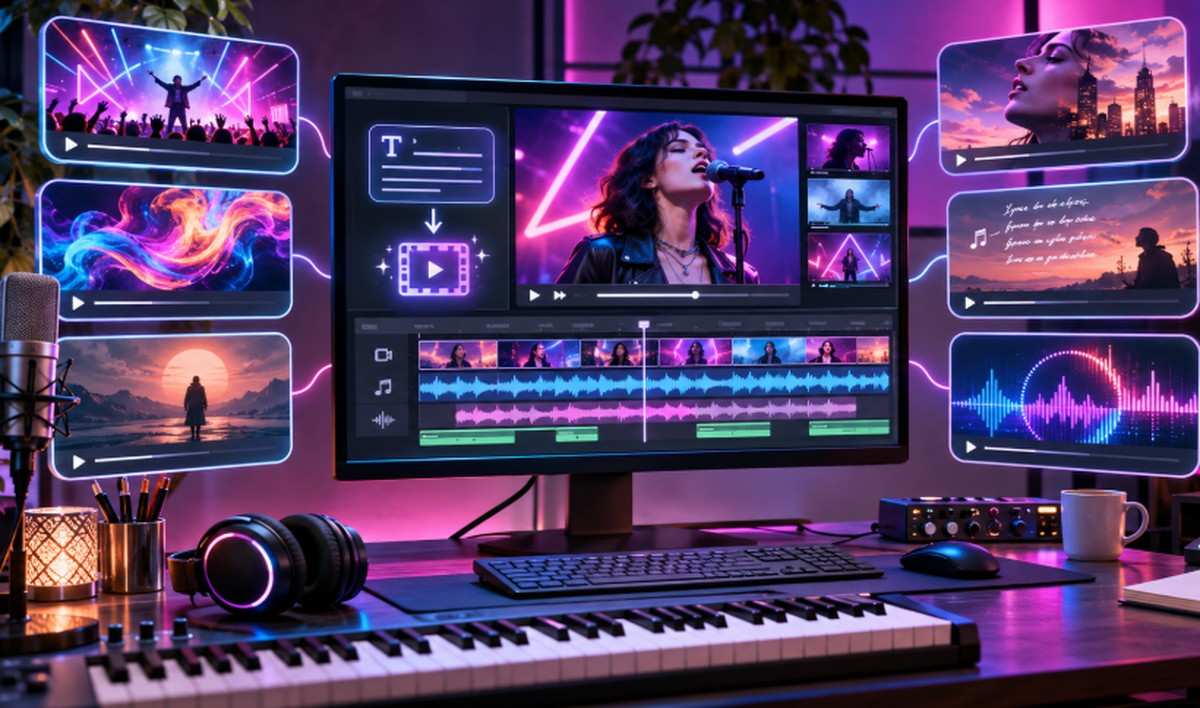
MindVideo AI’s main features are text to video, image to video, AI image generation, AI music generation, text-based video editing, video enhancement up to 4K and video extension. Together, these let you create a clip, improve it and lengthen it without leaving the platform, which suits social media creators, marketers and anyone testing ideas quickly.
- Text to video: Describe a scene in words and generate a short video clip.
- Image to video: Upload a photo and turn it into a moving clip.
- AI image generation: Create images from text prompts or reference images.
- AI music: Generate royalty-free music from lyrics or a mood description.
- Video editing with text: Change videos with written instructions, such as removing an object or changing the background.
- Enhancement and upscaling: Improve video quality, reduce noise and upscale resolution up to 4K.
- Video extension: Add new frames to make a short clip longer.
There’s also a set of smaller tools, including an AI headshot generator, a hairstyle changer, lip sync and an image combiner.
Which AI Models Does MindVideo AI Use?
MindVideo AI lets you choose from several third-party video and image models instead of relying on one. As of November 2026, its site lists video models such as Veo 3.1, Sora 2, Kling 2.6, Wan 3.0 and Seedance 1.0 Pro, plus image models like GPT Image 2.5 and Nano Banana Pro. Model lists change often, so check the site.
| Type | Models Listed on MindVideo AI |
|---|---|
| Video | Wan 3.0, Wan 2.6, Kling 2.6, Kling 2.1 Master, Veo 3.1, Sora 2, PixVerse V5, Seedance 1.0 Pro, HappyHorse 1.0, Pollo AI, Fotor AI |
| Image | GPT Image 2.5, GPT Image 2, Seedream 5.0, Nano Banana Pro, Nano Banana |
Why does this matter? Different models handle motion, realism, faces and audio differently. Having them in one dashboard lets you compare results side by side. The trade-off is that quality, speed and credit costs can vary by model, so it helps to test a few short clips before committing to a bigger project.
AI Effects and Templates
MindVideo AI offers ready-made effects that turn a photo into a short themed video with one click. Examples include AI Hug, AI Kissing, AI Dance, AI Ghibli, AI Muscle, Photo to Anime, Earth Zoom Out and AI 3D Polaroid. It also has face and character tools like AI Video Face Swap and AI Character Swap Video.
These templates are popular for social media because they need no prompt writing. You upload an image, pick an effect and the platform does the rest.
Here are the main groups:
- Fun and social effects: AI Hug, AI Kissing, AI French Kiss, AI Dance, AI Inflate, AI Squish and AI Plush Toy.
- Style effects: AI Ghibli, Photo to Anime and AI 3D Polaroid.
- Camera effects: Earth Zoom Out.
- Face and character tools: AI Video Face Swap, AI Character Swap Video, Lip Sync and an AI Celebrity Selfie Generator.
A note on consent: Face swap, kissing and celebrity tools use real people’s likenesses. Only use photos of yourself or of people who have clearly agreed. Don’t create content that could mislead viewers, embarrass someone or imply a real person said or did something they didn’t. Many platforms and laws treat non-consensual deepfakes seriously.
How to Use MindVideo AI
To use MindVideo AI, sign up for an account, choose a tool such as text to video or image to video, enter a prompt or upload an image, pick a model and settings, then generate. When the clip is ready, you can download it, enhance it, extend it or edit it with text instructions.
- Create an account: Sign up on mindvideo.ai. New users receive free credits.
- Pick a tool: Choose text to video, image to video, an effect template or another tool.
- Add your input: Write a clear prompt or upload a high-quality image.
- Choose a model: Select a video or image model from the list.
- Adjust settings: Set options like aspect ratio and length where available.
- Generate and review: Check the result for faces, hands, motion and text.
- Refine or download: Enhance, extend or edit the clip, or download it.
Tip: If a generation fails, MindVideo AI says this can happen “due to temporary model instability.” Its advice is to check your connection, then try again or switch to another model.
Is MindVideo AI Free? Pricing and Credits
MindVideo AI is free to start. According to its FAQ, “new users receive free credits upon registration,” and you can earn more by checking in daily or by inviting friends. Generations use credits, and paid plans add more credits plus commercial rights. Exact plan prices can change, so check the official pricing page before buying.
Some third-party articles list specific plan prices and limits. We couldn’t confirm those figures on MindVideo AI’s own site, so it’s safest to rely on the official pricing page at the time you sign up.
A practical way to judge value is to track how many credits you spend per clip you actually keep. If you often need several tries to get a usable result, your real cost per video goes up.
Safety, Privacy and Commercial Use Checklist
Before using MindVideo AI for real projects, check four things: whether your plan includes commercial rights, how your uploads and outputs are stored, whether you have consent for any faces you use and what the terms of service say. MindVideo AI says commercial rights are only for paid users.
Use this quick checklist:
- Commercial rights: MindVideo AI’s FAQ says, “Commercial rights are currently available only to paid users.” Free users can use creations for personal purposes.
- Data and deletion: MindVideo AI says you can delete any content you upload or generate, and that “all data is encrypted.”
- Read the policies: Review the terms of service and privacy policy linked in the site footer, especially rules on uploads, content ownership and refunds.
- Consent for faces: Use your own photos or get clear permission before using someone else’s likeness.
- Sensitive content: Avoid uploading private, confidential or personal documents and images.
- Third-party models: Outputs come from outside AI models, so check that your use also fits those models’ rules for commercial projects.
MindVideo AI Alternatives
If MindVideo AI doesn’t fit your needs, there are many other AI video tools to consider. Some focus on social media marketing, others on turning images into motion, and some on editing or music videos. The right alternative depends on whether you need short clips, long videos, avatars or editing tools.
When comparing options, look at:
- Available models: Does the tool offer the models you want?
- Video length and quality: How long and how sharp can clips be?
- Commercial rights: Which plans allow business use?
- Pricing model: Credits, subscriptions or both?
- Editing tools: Can you fix and polish clips in the same place?
For side-by-side options, see our guides to the best text-to-video AI tools and the best AI tools to turn images into videos.
Frequently Asked Questions
What is MindVideo AI?
MindVideo AI is an online platform for creating AI videos, images and music. It offers text to video, image to video, effect templates, editing and upscaling, and lets you choose from several third-party AI models.
Is MindVideo AI free?
MindVideo AI is free to start. New users receive free credits when they register and can earn more through daily check-ins and invites. Heavier use and commercial rights require a paid plan.
Which AI models does MindVideo AI use?
As of November 2026, MindVideo AI lists video models including Veo 3.1, Sora 2, Kling 2.6, Wan 3.0, PixVerse V5 and Seedance 1.0 Pro, plus image models like GPT Image 2.5 and Nano Banana Pro.
Can I use MindVideo AI videos commercially?
According to MindVideo AI, commercial rights are currently available only to paid users. Free users can use their creations for personal purposes.
Is MindVideo AI safe to use?
MindVideo AI says users can delete uploaded or generated content and that all data is encrypted. Still, read its privacy policy and terms, avoid uploading sensitive images and only use faces you have permission to use.
Why does MindVideo AI generation fail?
MindVideo AI says failures can happen due to temporary model instability. Check your internet connection, try again or switch to a different model. If the problem continues, contact MindVideo AI support.