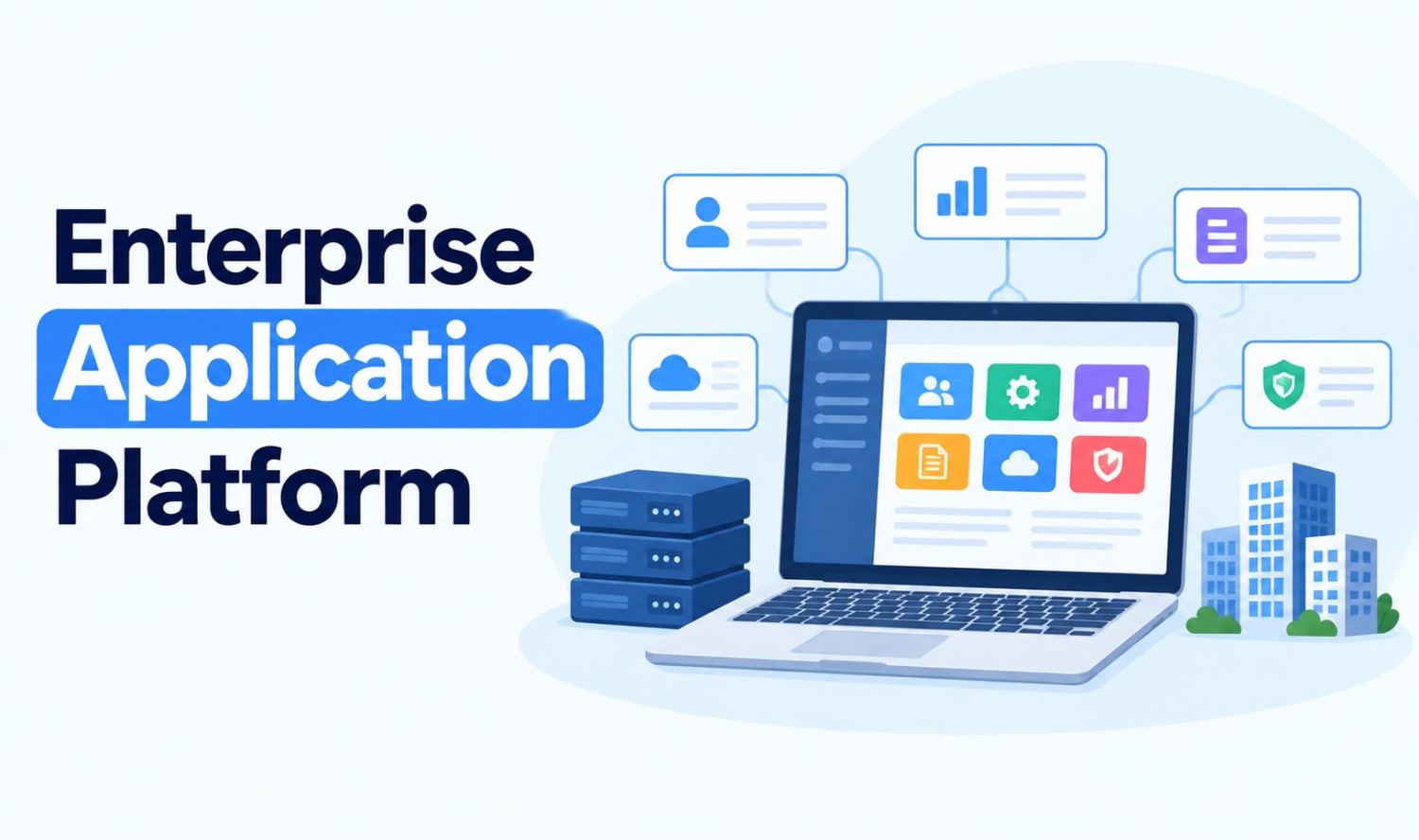

An enterprise application platform is the foundation a business uses to build, run, connect and manage its core software. It brings runtime environments, development tools, security, monitoring and integration into one place, so teams can deliver enterprise applications faster without managing every piece of infrastructure themselves.
Every large organization runs on enterprise apps: CRM, ERP, HR, supply chain and custom tools. The platform underneath decides how quickly those apps ship, how safely they run and how well they talk to each other. This guide covers what an enterprise application platform is, the main types, the features that matter, how integration works and how to choose the right one.
Key Takeaways
- Definition: A set of software services that lets enterprise applications be built, run and managed.
- Main types: Web app platforms, mobile app platforms, PaaS and low-code platforms.
- Core features: Runtime, developer tools, monitoring, security and integration.
- Integration matters: Connecting apps is often harder than building them.
- Choose by need: Your team’s skills, compliance rules and existing systems should drive the decision.
What Is an Enterprise Application Platform?
IBM defines an application platform as “a collection of software services and solutions that enable enterprise applications” to run. In practice, an enterprise application platform gives your teams one environment to develop, deploy, secure, monitor and connect business software at scale, instead of assembling each tool separately.
Think of it as the operating layer for your business software. Developers write the code, the platform runs it, and the platform also handles the hard parts around it: scaling, access control, logging and connections to other systems.
Salesforce describes an enterprise application platform as “a centralised software framework that brings everything you need into one place.” That central approach is the real value. Fewer moving parts means fewer gaps, faster releases and clearer ownership.
The term also has a second, narrower meaning. Red Hat’s JBoss Enterprise Application Platform (JBoss EAP) is a specific product, which we cover later in this guide.
What Are Enterprise Applications?
Enterprise applications are the large software systems that run a company’s core operations. Red Hat defines an enterprise application as “software that manages core business processes across an organization.” These apps are used by many departments, hold critical data and must stay secure, available and connected to each other.
Common examples of enterprise applications, based on Red Hat’s list:
| Type | What It Does | Example Uses |
|---|---|---|
| ERP (enterprise resource planning) | Joins production, supply chain, orders and accounting | Finance, inventory, purchasing |
| CRM (customer relationship management) | Centralizes customer data, leads and support tickets | Sales, marketing, service |
| HCM (human capital management) | Manages payroll, benefits, hiring and team structures | HR and people operations |
| SCM (supply chain management) | Coordinates procurement, warehouse stock and shipping | Logistics, operations |
| BI and analytics | Turns company data into insights | Reporting, planning |
Many companies also run custom enterprise applications, such as internal portals, pricing engines or customer-facing apps. These are the apps most likely to need an application platform underneath them.
Types of Enterprise Application Platforms
Enterprise application platforms come in several forms, depending on what you’re building and who’s building it. IBM groups application platforms into four types: web application platforms, mobile application platforms, platform as a service (PaaS) and low-code or no-code platforms. Container platforms and application servers sit alongside them.
| Type | What It Is | Best For |
|---|---|---|
| Web application platforms | Server environments for hosting web apps and their APIs | Customer portals, internal web tools |
| Mobile application platforms | Runtime and services for building, testing and deploying mobile apps | Field, sales and customer mobile apps |
| Platform as a service (PaaS) | Cloud tools that give you a managed environment to build and deploy software | Teams that don’t want to manage servers |
| Low-code and no-code platforms | Visual tools, templates and point-and-click builders | Business users and fast internal apps |
| Container platforms | Kubernetes-based platforms for running containerized apps | Large, cloud-native or hybrid workloads |
| Application servers | Runtime software for enterprise Java and similar apps | Existing Java and legacy enterprise apps |
Some vendors also use the term for modular business platforms, which let companies add capabilities step by step instead of replacing an entire ERP system.
Most large companies end up using more than one type. A low-code platform might handle quick internal workflows, while a container platform runs the core customer-facing systems.
Key Features of an Enterprise Application Platform
The best enterprise application platforms share a common set of building blocks. IBM lists five core components: runtime environments, development tools, monitoring and observability, security features and integration services. Together, they decide how fast your team can build and how reliably your apps run.
What to expect from each:
- Runtime environments: Where apps run after deployment, with computing resources that scale as demand grows.
- Development tools: SDKs, command-line tools and code libraries that speed up building.
- Monitoring and observability: Logs, traces and alerts that show app health in real time.
- Security features: Identity and access management, data encryption and network controls.
- Integration services: APIs and connectors that link apps to databases, networks and third-party tools.
Beyond the basics, modern platforms increasingly add AI and automation features, low-code builders for non-developers and built-in compliance controls. These extras matter most when many teams share the same platform.
How Enterprise Application Integration Fits In
Enterprise application integration (EAI) is how your platform connects separate applications so data and processes flow between them. Without it, your CRM, ERP and HR systems become isolated islands. Integration is often harder than building the apps themselves, which is why it deserves a central place in any platform decision.
The cost of disconnected data is real. Gartner research from 2020 found that poor data quality “costs organizations at least $12.9 million a year on average.”
Common Integration Patterns
Different integration patterns suit different needs:
| Pattern | How It Works | Trade-Off |
|---|---|---|
| Point-to-point | Each app connects directly to every other app | Simple at first, hard to maintain as you grow |
| Hub-and-spoke | Each app connects once to a central hub | Easier to manage, but the hub is a single point of failure |
| Enterprise service bus (ESB) | Apps communicate through a shared message bus | Strong control, but can be complex |
| API-led | Apps expose and consume reusable APIs | Flexible and modern, needs good API management |
| Event-driven | Apps publish events that others subscribe to | Real-time and scalable, harder to trace |
Why Point-to-Point Breaks Down
The math explains why direct connections don’t scale. Connecting every system to every other system takes n(n-1)/2 links. Five systems need 10 connections. Ten systems need 45. Twenty systems need 190, each one custom-built and maintained.
That’s why many teams use an integration platform as a service (iPaaS) or the integration tools built into their application platform. Our workflow automation services help US businesses connect their existing apps without building fragile one-off links.
AI on Enterprise Application Platforms
AI is quickly becoming part of the enterprise application platform. Teams now add AI assistants and agents that read data, answer questions and complete tasks across business apps. To do that, AI needs secure, controlled access to the same systems your applications use, which makes integration even more important.
New standards are emerging to make these connections simpler. In November 2024, Anthropic introduced the Model Context Protocol (MCP), which it describes as “an open standard for connecting AI assistants to the systems where data lives.”
What this means for your platform:
- Clean APIs: AI tools work best with well-documented, secure APIs.
- Access control: AI should only reach the data each user is allowed to see.
- Monitoring: Track what AI tools access and change, just as you would for any app.
Popular Enterprise Application Platforms
Many vendors offer enterprise application platforms, each built for a different kind of team. The list below covers widely used options across the main types, described in each vendor’s own words. It isn’t a ranking. The right choice depends on your stack, skills and compliance needs.
| Platform | Type | What the Vendor Says |
|---|---|---|
| Red Hat OpenShift | Container platform | An application platform with “Kubernetes at its core,” self-managed or as a managed cloud service |
| Azure App Service | PaaS | Runs “web applications, mobile back ends, and RESTful APIs without worrying about managing the underlying infrastructure” |
| Google Cloud Run | Managed app platform | “A fully managed application platform for running your code, function, or container” |
| Heroku | PaaS | “A PaaS (Platform as a Service) based on a managed container system,” from Salesforce |
| Salesforce Platform | Low-code platform | A centralized framework with low-code tools, AI, integration and security features |
| Red Hat JBoss EAP | Application server | “An open source Java EE 8-compliant application server” for private, public or hybrid clouds |
Azure App Service supports .NET, Java, Node.js, Python and PHP, and Heroku supports languages including Node.js, Ruby, Java, PHP, Python, Go and .NET.
Is an Enterprise Application Platform the Same as JBoss EAP?
Not exactly. “Enterprise application platform” is a general category. JBoss Enterprise Application Platform is Red Hat’s specific product, a Java application server. If you’re searching for that product, you’ll find it on Red Hat’s official site.
Build vs Buy: Should You Create Your Own Platform?
Most companies should buy or adopt an existing enterprise application platform rather than build one from scratch. Building your own gives you full control, but it means maintaining infrastructure, security and tooling indefinitely. Buying gets you running faster, with the vendor handling much of the ongoing work.
| Factor | Build Your Own | Buy or Adopt |
|---|---|---|
| Control | Full control over every component | Limited to the vendor’s options |
| Time to start | Slow, needs a dedicated team | Fast, ready-made tools |
| Ongoing work | You maintain everything | The vendor handles core updates |
| Fit | Tailored to unusual needs | Covers common needs well |
A middle path is common: adopt a proven platform, then build custom applications and integrations on top of it. Our custom software development services help US businesses build enterprise applications on the platform that fits their needs.
How to Choose an Enterprise Application Platform
To choose an enterprise application platform, start with your applications, people and rules, not the vendor list. Map the apps you need to run, the skills your team has, the systems you must connect and the compliance rules you must meet. Then shortlist platforms that fit those needs and test them.
A practical checklist:
- List your apps: Note what you’ll build, migrate or connect in the next two to three years.
- Check your team’s skills: Developer-heavy teams may prefer PaaS or containers. Business teams may need low-code.
- Map integrations: List every system the platform must connect to, including legacy tools.
- Review security and compliance: Confirm access controls, encryption and audit logs meet your requirements.
- Plan for scale: Make sure the platform can grow with users, data and traffic.
- Consider your cloud strategy: Decide between public cloud, private cloud or hybrid.
- Run a pilot: Test one real app before committing your whole portfolio.
Frequently Asked Questions
What is an enterprise application platform?
It’s a set of software services that lets businesses build, run, secure, monitor and connect enterprise applications in one environment. IBM describes an application platform as “a collection of software services and solutions that enable enterprise applications” to run.
What is an enterprise application?
An enterprise application is software that manages core business processes across an organization. Common examples include ERP, CRM, human capital management, supply chain management and business intelligence tools.
What are the types of enterprise application platforms?
IBM lists four types: web application platforms, mobile application platforms, platform as a service (PaaS) and low-code or no-code platforms. Container platforms and application servers are also widely used.
What are examples of enterprise application platforms?
Common examples include Red Hat OpenShift, Azure App Service, Google Cloud Run, Heroku, Salesforce Platform and Red Hat JBoss EAP. Each suits a different type of team and workload.
Is an enterprise application platform the same as JBoss EAP?
No. Enterprise application platform is a general category. JBoss Enterprise Application Platform is a specific Java application server from Red Hat.
What is the difference between an enterprise application platform and ERP?
ERP is one type of enterprise application that manages finance, supply chain and operations. An enterprise application platform is the foundation used to build, run and connect applications, which can include custom apps that work alongside ERP.
What is enterprise application integration?
Enterprise application integration (EAI) connects separate business applications so data and processes flow between them. Common approaches include hub-and-spoke, enterprise service bus, API-led and event-driven integration.