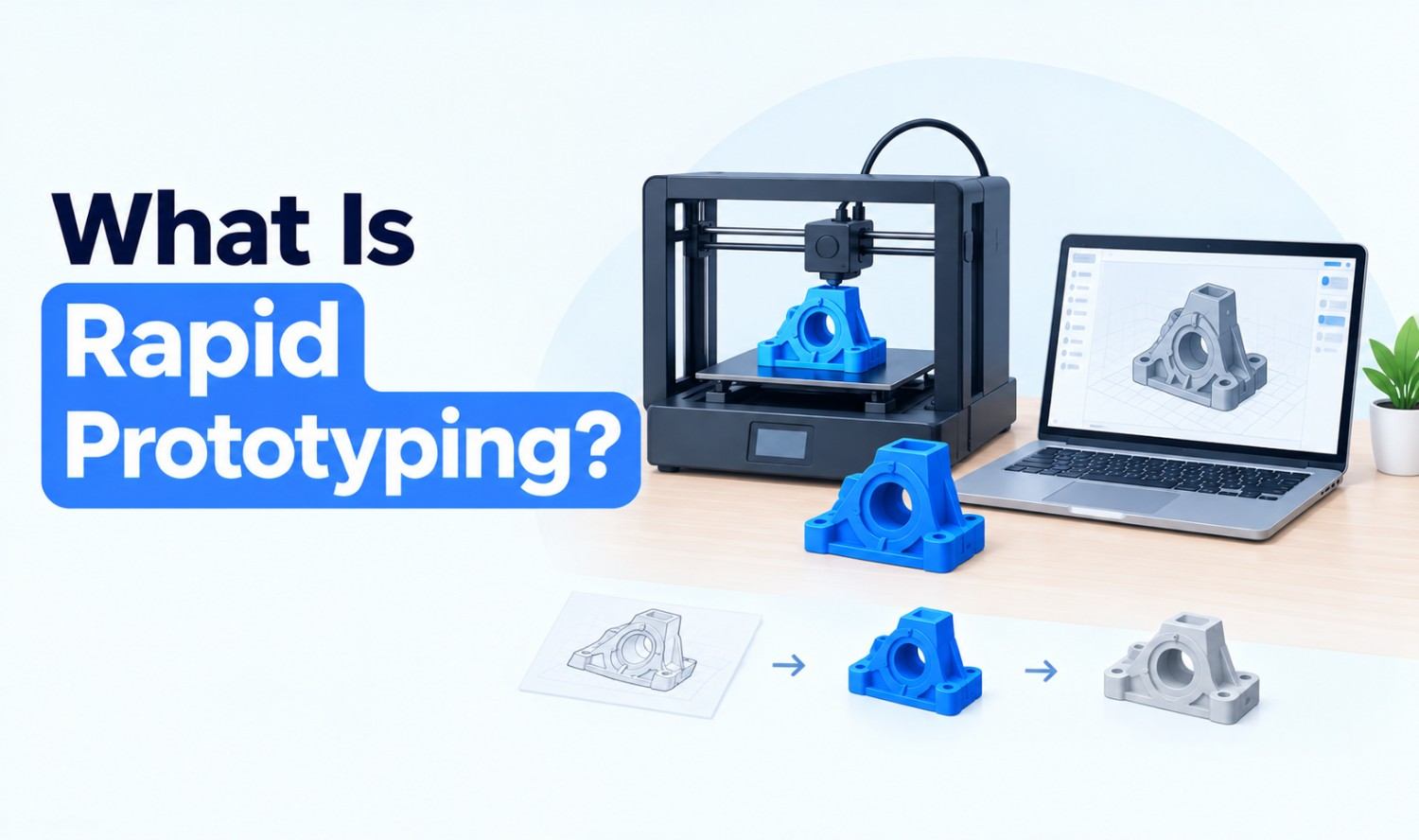

Rapid prototyping is the practice of quickly building a simple, testable version of a product so you can get feedback before investing in full development. You build a prototype, test it with real users, learn what works and refine it, often in short, repeated cycles. It applies to software, apps and websites as well as physical products.
Ever spent weeks building a feature, only to find users didn’t want it? Rapid prototyping helps you avoid that. This guide covers the rapid prototyping process, fidelity levels, methods for software and physical products, examples, how AI is changing it and when it’s the right fit.
Key Takeaways
- Build, test, refine: Rapid prototyping is a fast, repeating loop, not a one-time step.
- Fidelity matters: Start rough and add detail only when you need it.
- Two worlds: It’s used for digital products like apps and for physical products like devices.
- Test small and often: Usability research shows five users per round can surface most problems.
- AI speeds it up: New tools can turn a written prompt into a working prototype.
What Is Rapid Prototyping?
Rapid prototyping means creating a quick, low-cost model of a product, feature or flow so you can test an idea early. Instead of building the full product first, you make just enough to answer a specific question, like “Can users find the checkout?” or “Does this part fit?” Then you improve it based on what you learn.
The term started in manufacturing. 3D Systems says Chuck Hull created “the first-ever 3D printed part, inventing Stereolithography” in 1983. Today, rapid prototyping is just as common in software, UX and product design.
Here’s how the two main types compare:
| Digital Rapid Prototyping | Physical Rapid Prototyping | |
|---|---|---|
| What you build | Wireframes, mockups, clickable or coded prototypes | Models, parts and assemblies |
| Common tools | Design tools, no-code tools, AI prototype builders | 3D printers, CNC machines, laser cutters |
| What you test | User flows, layouts, interactions, features | Shape, fit, function, feel |
| Typical users | Product, UX and software teams | Engineers and industrial designers |
Rapid Prototyping vs Traditional Prototyping
Rapid prototyping focuses on speed and learning, while traditional prototyping often aims for a polished, near-final model. With rapid prototyping, you make many quick, rough versions and test each one. With traditional prototyping, you usually spend longer building fewer, more complete prototypes, so mistakes are found later and cost more to fix.
| Factor | Rapid Prototyping | Traditional Prototyping |
|---|---|---|
| Speed | Quick versions, short cycles | Longer build time per version |
| Detail | Starts rough, adds detail later | Often detailed from the start |
| Iterations | Many small rounds | Fewer, larger rounds |
| Goal | Learn fast and reduce risk | Show a near-final product |
Rapid prototyping fits well with agile teams. The Agile Manifesto’s principles call for delivering “working software frequently, from a couple of weeks to a couple of months,” with a preference for shorter timescales.
How Does Rapid Prototyping Work? The Process
Rapid prototyping works as a loop: you decide what to learn, build a quick prototype, test it with real people, then refine it and repeat. Each round should answer one clear question. You keep looping until the design is validated or you decide to change direction, then move into full development.
The rapid prototyping process in five steps:
- Define the question: Decide what you need to learn, such as whether users understand a new menu.
- Sketch ideas: Explore a few options on paper or a whiteboard before building anything.
- Build the prototype: Create the simplest version that can answer your question.
- Test with users: Watch real users try it and note where they struggle.
- Refine and repeat: Fix what you learned, then test again.
Keep each round short. The goal is learning, not perfection.
Prototype Fidelity Levels
Fidelity describes how detailed and realistic a prototype is. Low-fidelity prototypes are rough sketches, mid-fidelity prototypes add structure and basic interactions, and high-fidelity prototypes look and behave close to the final product. Choosing the right level keeps you fast without testing the wrong things.
| Fidelity | What It Looks Like | Best For |
|---|---|---|
| Low | Paper sketches, simple wireframes, cardboard models | Early ideas and basic flows |
| Mid | Clean wireframes with clickable links or rough working parts | Testing structure and key interactions |
| High | Polished visuals, real content, near-final parts | Final user testing and handoff to developers or manufacturing |
A good rule: start low and only increase fidelity when your questions need more detail.
Rapid Prototyping for Software and Digital Products
In software development, rapid prototyping means building quick, testable versions of apps, websites or features before writing production code. Teams use wireframes, clickable mockups and simple coded prototypes to test user flows, layouts and interactions. It’s often called UX rapid prototyping when the focus is on how users move through a product.
Common types of software prototypes:
- Wireframes: Simple layouts that show structure, not visual design.
- Clickable prototypes: Linked screens that let users tap through a flow.
- Coded prototypes: Small working versions built with real code to test technical ideas.
- Minimum viable products (MVPs): A basic, usable version released to real users to test demand.
UX and UI prototyping focus on different things:
- UX rapid prototyping: Tests navigation, flows and whether users can complete tasks.
- UI prototyping: Tests visual design, components and interaction details.
For startups, rapid prototyping is a low-risk way to test an idea before building a full product. Our custom software development services help US startups and businesses turn validated prototypes into production-ready software.
How AI Is Changing Rapid Prototyping
AI is making rapid prototyping faster by turning written prompts into working prototypes. Instead of building every screen by hand, you can describe what you want and get an interactive version to test. AI is also used to prototype AI products themselves, such as chatbots and agents, before teams commit to building them fully.
Figma, for example, describes its Figma Make tool as “a prompt-to-app tool that allows designers and product builders to create interactive, high-fidelity prototypes.” Tools like this can help you explore more ideas in less time.
Ways teams use AI in rapid prototyping:
- Prompt-to-prototype: Generate screens or simple apps from a description.
- Content and data: Fill prototypes with realistic sample text and data.
- AI product prototypes: Test a chatbot or agent on real questions before full development.
Rapid Prototyping for Physical Products
For physical products, rapid prototyping means quickly making models and parts from a 3D design. The most common methods are 3D printing, also called additive manufacturing, and subtractive methods like CNC machining and laser cutting. Teams use these prototypes to check shape, fit, function and appearance before investing in production tooling.
NIST lists six main additive manufacturing technologies: powder bed fusion, directed energy deposition, material extrusion, vat photopolymerization, binder jetting and material jetting.
Common rapid prototyping methods for physical products:
| Method | How It Works | Good For |
|---|---|---|
| FDM (material extrusion) | Melts plastic filament and builds parts layer by layer | Simple, low-cost concept models |
| SLA (vat photopolymerization) | Uses light to cure liquid resin into solid layers | Detailed parts with smooth surfaces |
| SLS (powder bed fusion) | Uses a laser to fuse polymer powder | Strong, functional parts |
| CNC machining | Cuts material away from a solid block | Metal parts and precise components |
| Laser and water-jet cutting | Cuts flat sheets into shapes | Panels, brackets and enclosures |
Physical prototypes usually move through stages:
- Proof of concept: Shows that the basic idea can work.
- Looks-like prototype: Shows how the final product will look and feel.
- Works-like prototype: Tests how the product functions.
- Engineering prototype: A near-final version prepared for production.
You can read more about the technologies on NIST’s additive manufacturing page.
Rapid Prototyping Examples
Rapid prototyping examples range from clickable app flows to 3D-printed parts. The common thread is the same: build something quick, put it in front of real users or real conditions, and learn before you commit. These general examples show how teams use it in practice.
Digital examples:
- Checkout flow: A team builds a clickable checkout prototype and watches users try to buy a product before coding it.
- Mobile app onboarding: Designers test two versions of a sign-up flow to see which one users finish.
- AI chatbot: A business tests a simple chatbot prototype on real customer questions before a full build.
Physical examples:
- Device enclosure: Engineers 3D print a case to check that internal parts fit.
- Consumer product: A looks-like model helps stakeholders review size and shape.
- Replacement part: A team prints a quick part to test fit before ordering a final version.
Why Is Rapid Prototyping Important? Key Benefits
Rapid prototyping is important because it helps teams find problems early, when changes are cheaper and easier. It replaces guesswork with real feedback, keeps teams aligned around something they can see and touch, and reduces the risk of building the wrong thing. It also helps teams move faster from idea to launch.
Key benefits:
- Early feedback: You learn what users need before full development.
- Lower risk: You catch design and usability problems before they’re expensive.
- Better communication: A prototype is easier to discuss than a written spec.
- Faster decisions: Teams can test options quickly instead of debating them.
- User-centered design: Real behavior guides the product, not assumptions.
Best Practices and Common Mistakes
The best rapid prototyping results come from clear goals, short cycles and frequent testing with real users. Common mistakes include polishing prototypes too early, testing with the wrong people and changing too many things at once. A simple rule helps: test small, test often and focus each round on one question.
Usability research supports frequent, small tests. Jakob Nielsen of the Nielsen Norman Group found that a first study “with five participants has found 85% of the usability problems.” He recommends several small rounds, such as three studies with five users each, instead of one large one.
Best practices:
- Set one goal per round: Know exactly what you want to learn.
- Match fidelity to the question: Don’t polish what you haven’t validated.
- Test with real users: Choose people who match your target audience.
- Document what you learn: Record findings so decisions are clear later.
Common mistakes:
- Over-polishing: Spending too long on early prototypes.
- Skipping testing: Building prototypes without showing them to users.
- Changing everything at once: Making it hard to know what worked.
When Rapid Prototyping Isn’t the Right Fit
Rapid prototyping isn’t always necessary. If a product is simple, well understood or a small update to something users already know, a full prototype may slow you down. It can also be less useful when requirements are fixed by regulation or a contract, leaving little room for change based on feedback.
Rapid prototyping may not be needed when:
- The change is small: A minor text or color update rarely needs a prototype.
- The solution is proven: You’re repeating a pattern users already understand.
- Requirements are fixed: Rules or contracts leave little room to change the design.
Frequently Asked Questions
What is rapid prototyping?
Rapid prototyping is the practice of quickly building a simple, testable version of a product to get feedback before full development. Teams build, test and refine in short, repeated cycles.
What are the types of rapid prototyping?
Prototypes are often grouped by fidelity: low, mid and high. For physical products, common stages include proof-of-concept, looks-like, works-like and engineering prototypes.
What are the main rapid prototyping methods?
For software, common methods include wireframes, clickable prototypes, coded prototypes and MVPs. For physical products, they include 3D printing methods like FDM, SLA and SLS, plus CNC machining and laser cutting.
What is rapid prototyping in software development?
It’s the process of building quick, testable versions of apps, websites or features before writing production code. Teams use it to test user flows and ideas early and reduce the risk of building the wrong thing.
What are some rapid prototyping tools?
Digital teams use design tools, no-code builders and AI prototype generators like Figma Make. Physical product teams use 3D printers, CNC machines and laser cutters.
Why is rapid prototyping important?
It helps teams find problems early, when changes are cheaper. It replaces guesswork with real user feedback, improves communication and reduces the risk of building the wrong product.
Can AI be used for rapid prototyping?
Yes. AI tools can turn written prompts into interactive prototypes and fill them with realistic content. AI-generated prototypes still need human review and testing with real users.